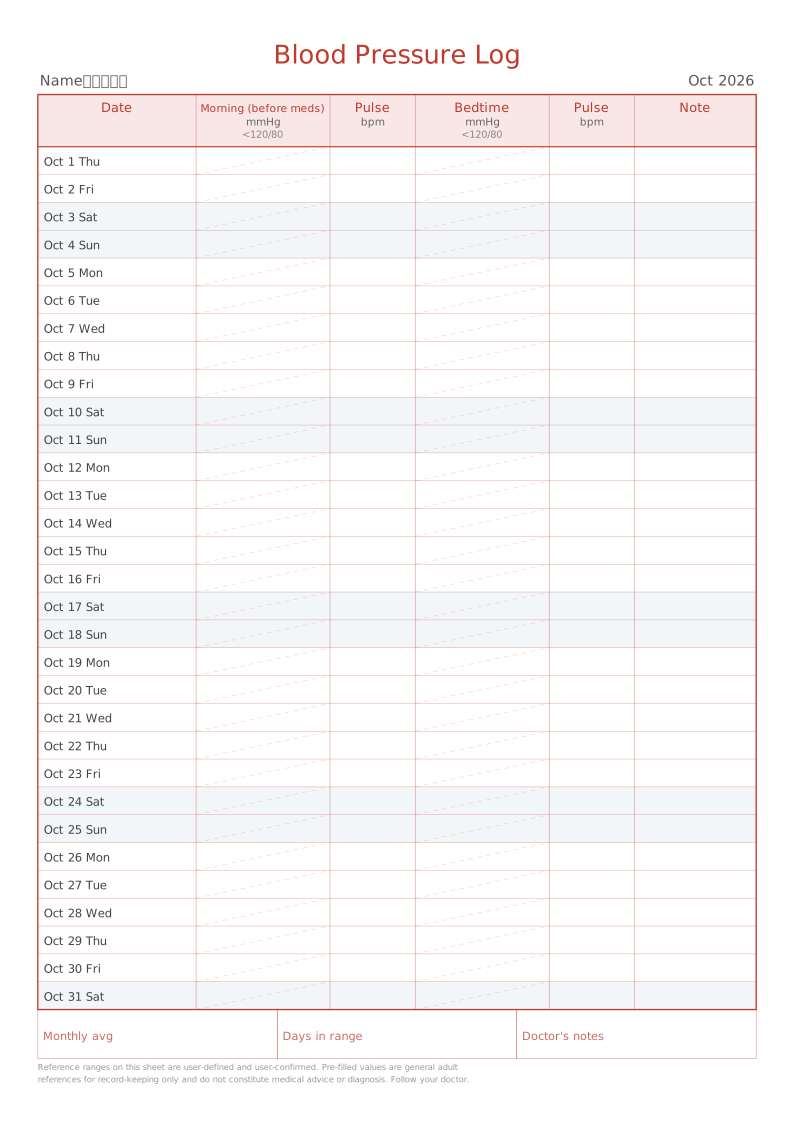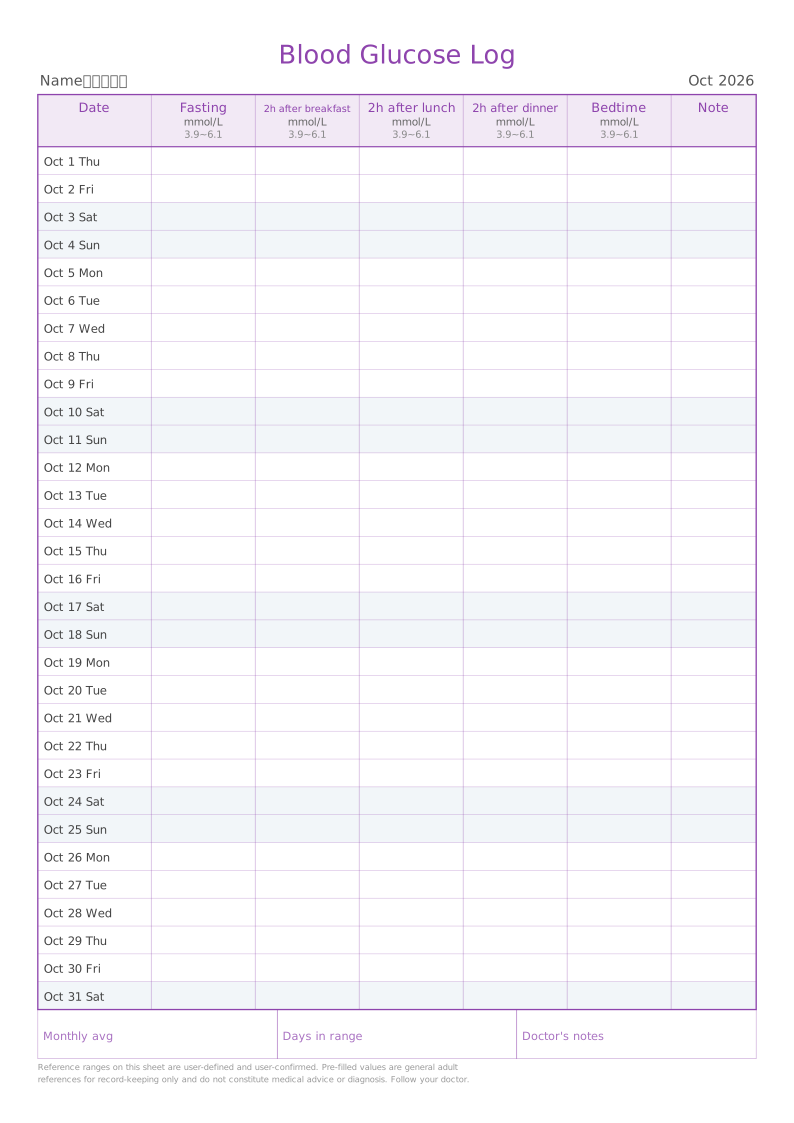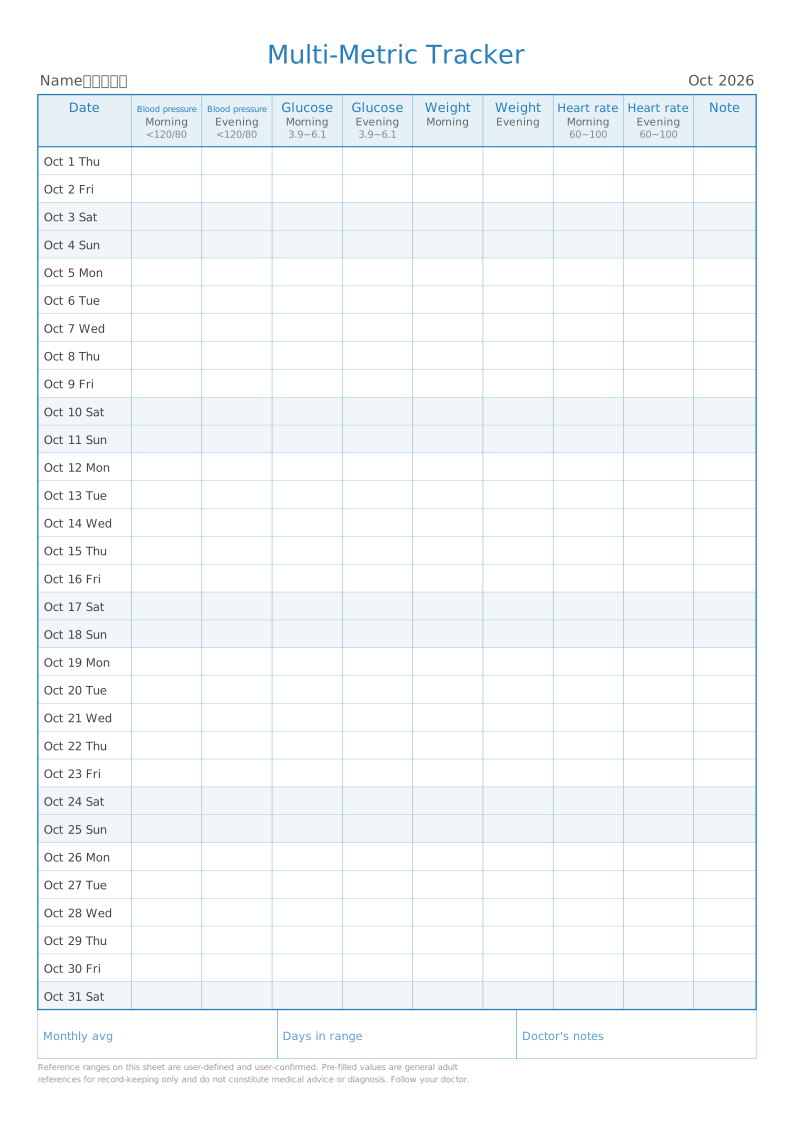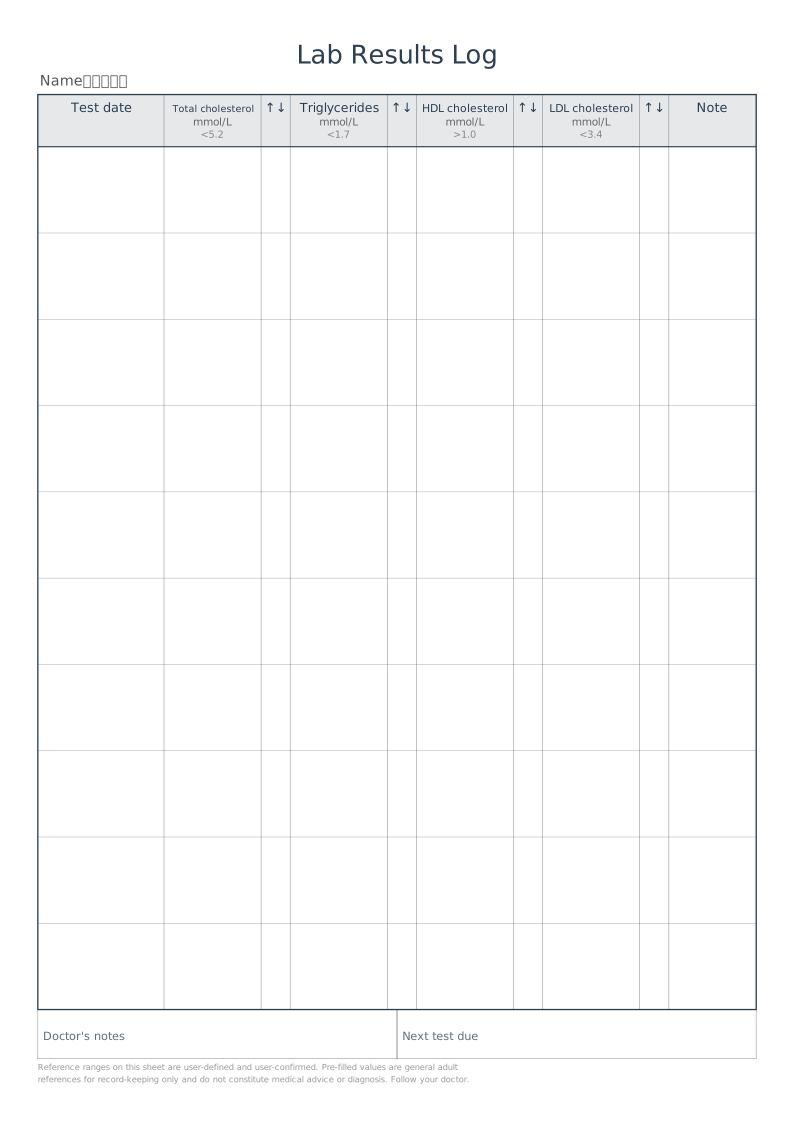
Printable Lab Results Log Sheet — printable template
One row per test: the date on the left, each analyte with its reference range across the row, and a narrow arrow column beside every test to mark results that fall outside the range.
Typical uses
- Comparing lipid panels across annual check-ups
- Tracking uric acid and creatinine for gout
- Quarterly HbA1c records for diabetes
- Liver function follow-ups while on medication
How to use
- 1Pick the template
Open the generator — this template is preselected
- 2Adjust settings
Set page size, margins and the template's own options
- 3Live preview
The preview refreshes instantly so you can confirm the layout
- 4Print or download
Print directly, or export PDF / PNG / SVG
Sizes and settings
| Paper | Letter (216×279) |
|---|---|
| Pages | 1 page(s) with the default Letter settings |
| Name | — |
| Hospital / clinic | — |
| Test panel | Lipid panel (TC / TG / HDL-C / LDL-C) |
| Custom tests (comma separated) | — |
| Reference ranges per test (comma separated, blank = typical) | — |
| Rows | 12 |
| Out-of-range arrow column | On |
| Show reference range | On |
| I have checked the reference range against my doctor's advice (required before printing) | Off |
| Theme colour | #2c3e50 |
These are the defaults for this template — every one of them can be changed in the editor.
Which export format?
Best for printing. Page dimensions are locked in millimetres and stay sharp at any zoom
For documents and web sharing. High-resolution 300 DPI bitmap
Lossless vector, editable in Illustrator or Inkscape
Fastest when you need it now — set scaling to 100%
FAQ
Why is this the transpose of the blood pressure sheet?
Lab work happens every few months and returns several results at once, so "one row per test, one column per analyte" fits better. Blood pressure and glucose are measured several times a day, which is why those use one row per day.
My tests are not in the presets.
Choose "Custom tests" and type a comma-separated list, such as "TC, TG, HDL-C, LDL-C".
How do I set reference ranges?
Presets ship with general adult ranges. Override them with a comma-separated list in "Reference ranges per test". Nothing prints until you tick the confirmation box, and a disclaimer appears in the footer.
How many rows should I use?
Lab work is infrequent, so it defaults to 12 rows — roughly monthly tests for a year. Anywhere from 4 to 30 works; fewer rows means taller rows and more comfortable writing.
Why are the printed dimensions wrong?
If your print dialogue has "Fit to page" enabled or scaling below 100%, the whole grid is scaled down. Set scaling to 100% / "Actual size", and tick the calibration ruler in the generator, then measure the 5 cm mark with a ruler. PDF dimensions are locked in the file, so they are the safest option.
Should I choose PDF, PNG or SVG?
Use PDF for printing and millimetre accuracy, PNG for documents and web sharing, and SVG for vector editing. Templates with Chinese tracing characters are exported as high-resolution raster PDFs so the glyphs stay intact; for vector-quality tracing, use "Print → Save as PDF".
Can I change the page size, colours and line weight?
Yes. The common settings cover page size (A4 / A5 / B5 / 16K / Letter / custom), orientation, margins, binding margin, background colour, page numbers, watermark and logo. Printable Lab Results Log Sheet also has its own options in the "Template settings" panel.
Does anything I type or upload get sent to a server?
No. Generation, preview and export all happen inside your browser. Nothing is uploaded and no account is needed.
Related templates