Vertical Lined Paper
Everything runs in your browser — nothing is uploaded
Common settings
Shared by all templates
Template settings
Vertical Lined Paper
All templates
View all → Lined Writing Paper PrintableEveryday ruled paper for homework, notes and handwriting
 Vertical Lined PaperVertical rules for top-to-bottom writing systemsCurrent
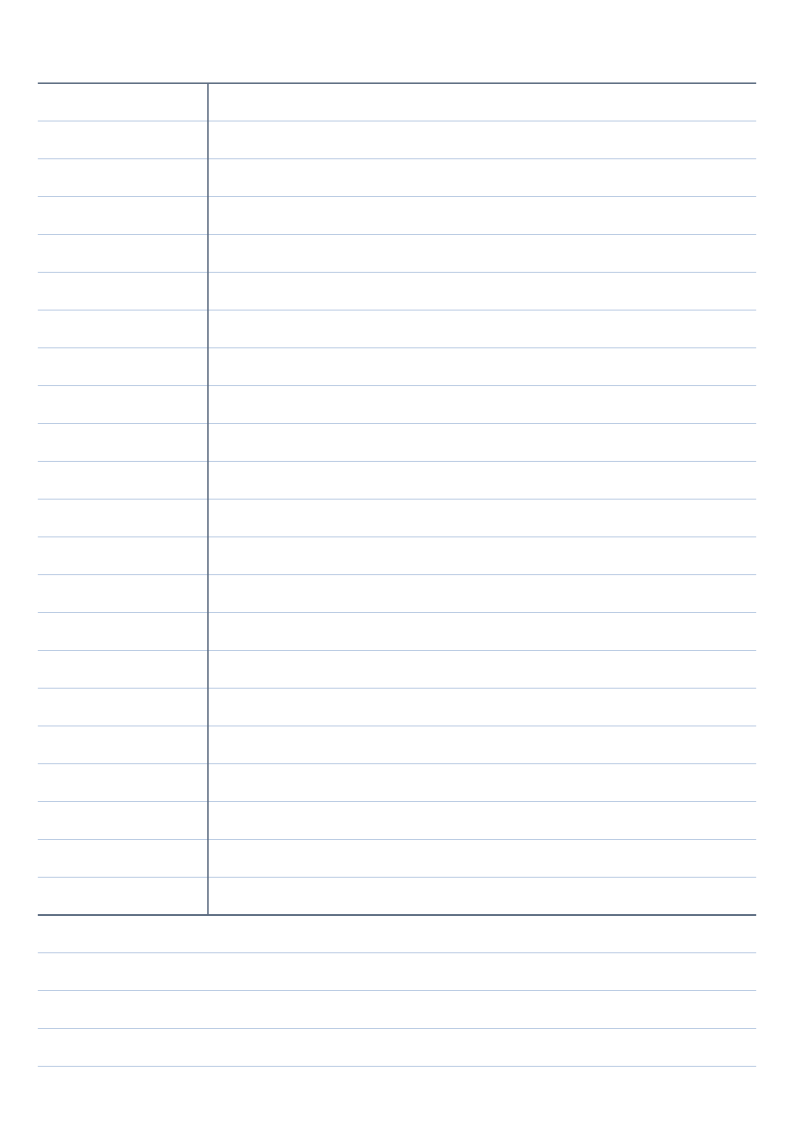 Cornell Notes TemplateCues, notes and summary — the three-zone Cornell method
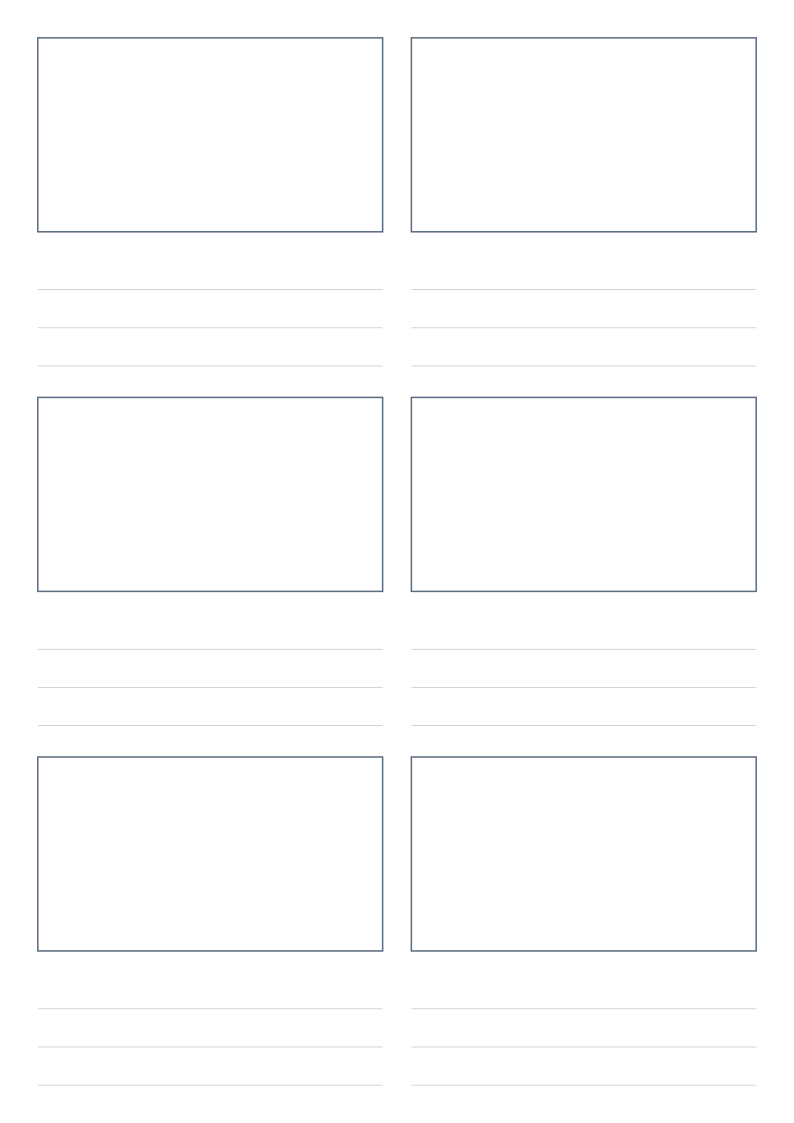 Storyboard Template PrintableSequential frames for planning video, film and animation
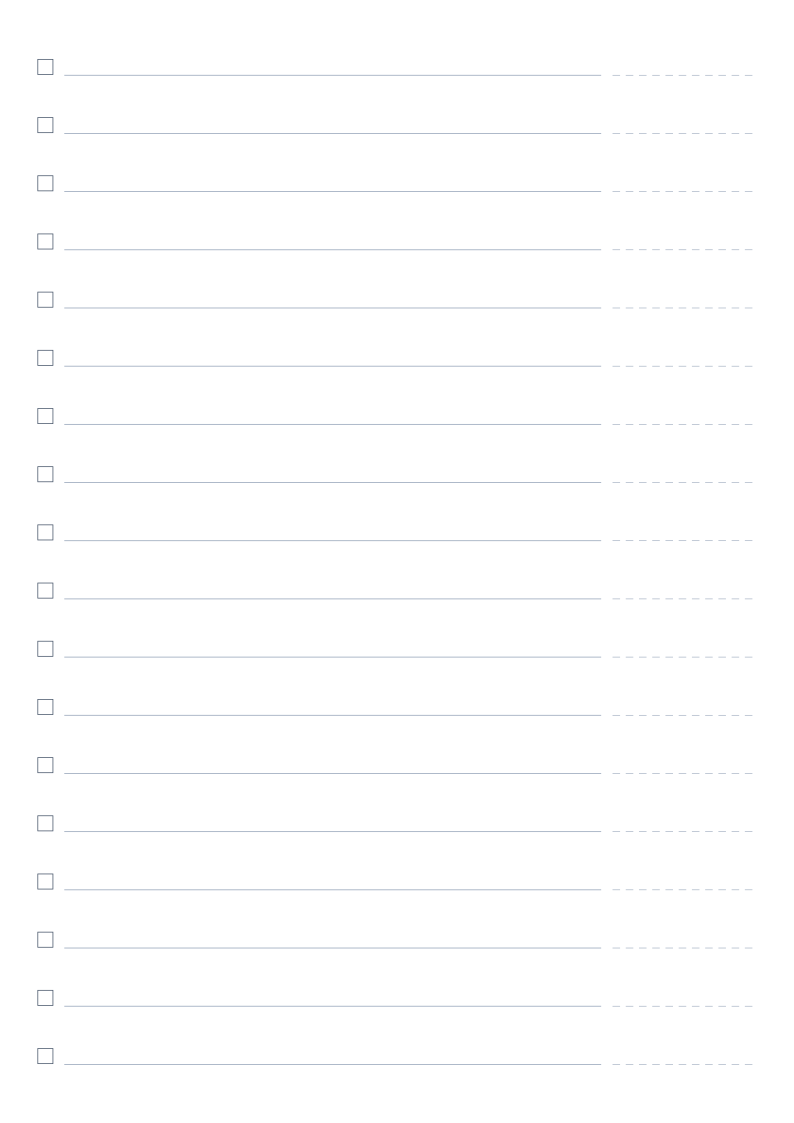 To-Do List PrintableNumbered rows with checkboxes for everyday task lists
About Vertical Lined Paper
Vertical-ruled paper for top-to-bottom writing and character practice, with an option to overlay horizontal lines and form squares.
Read the full guide to Vertical Lined Paper: details, usage and FAQ
Typical uses
- Chinese / Japanese vertical writing practice
- Copying calligraphy models in columns
- Vertical layout drafts
FAQ
Can it become a square grid?
Yes. Enable "Overlay horizontal lines" and set "Horizontal spacing" to lay horizontal rules across the vertical ones.
Why are the printed dimensions wrong?
If your print dialogue has "Fit to page" enabled or scaling below 100%, the whole grid is scaled down. Set scaling to 100% / "Actual size", and tick the calibration ruler in the generator, then measure the 5 cm mark with a ruler. PDF dimensions are locked in the file, so they are the safest option.
Does anything I type or upload get sent to a server?
No. Generation, preview and export all happen inside your browser. Nothing is uploaded and no account is needed.
Related templates