To-Do List Printable
Everything runs in your browser — nothing is uploaded
Common settings
Shared by all templates
Template settings
To-Do List Printable
All templates
View all → Lined Writing Paper PrintableEveryday ruled paper for homework, notes and handwriting
 Vertical Lined PaperVertical rules for top-to-bottom writing systems
 Cornell Notes TemplateCues, notes and summary — the three-zone Cornell method
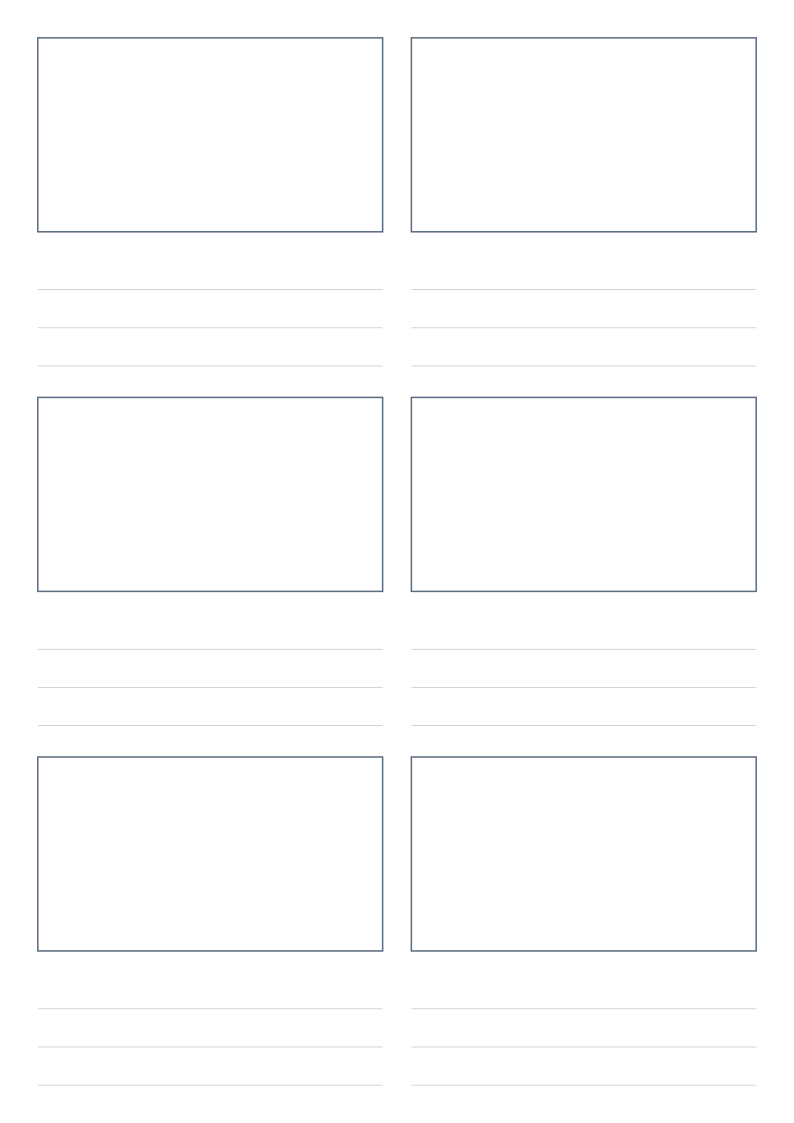 Storyboard Template PrintableSequential frames for planning video, film and animation
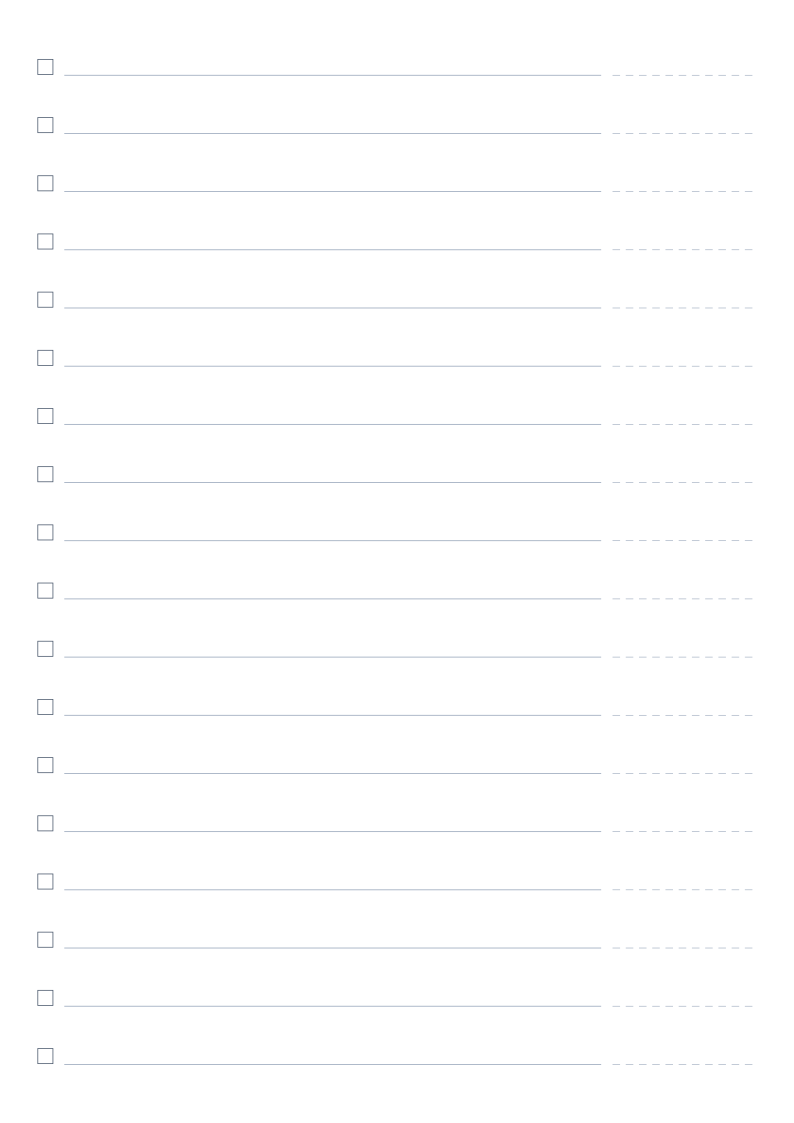 To-Do List PrintableNumbered rows with checkboxes for everyday task listsCurrent
About To-Do List Printable
Checklist rows with tick boxes, an optional priority marker and date column, in one or two columns per page.
Read the full guide to To-Do List Printable: details, usage and FAQ
Typical uses
- Daily to-do lists
- Breaking down project tasks
- Action items from meetings
FAQ
Can I print two columns?
Yes. Set "Columns" to two for side-by-side lists on one page — useful when tasks are short and numerous.
Why are the printed dimensions wrong?
If your print dialogue has "Fit to page" enabled or scaling below 100%, the whole grid is scaled down. Set scaling to 100% / "Actual size", and tick the calibration ruler in the generator, then measure the 5 cm mark with a ruler. PDF dimensions are locked in the file, so they are the safest option.
Does anything I type or upload get sent to a server?
No. Generation, preview and export all happen inside your browser. Nothing is uploaded and no account is needed.
Related templates