Weekly Habit Tracker Printable
Everything runs in your browser — nothing is uploaded
Common settings
Shared by all templates
Template settings
Weekly Habit Tracker Printable
All templates
View all →
About Weekly Habit Tracker Printable
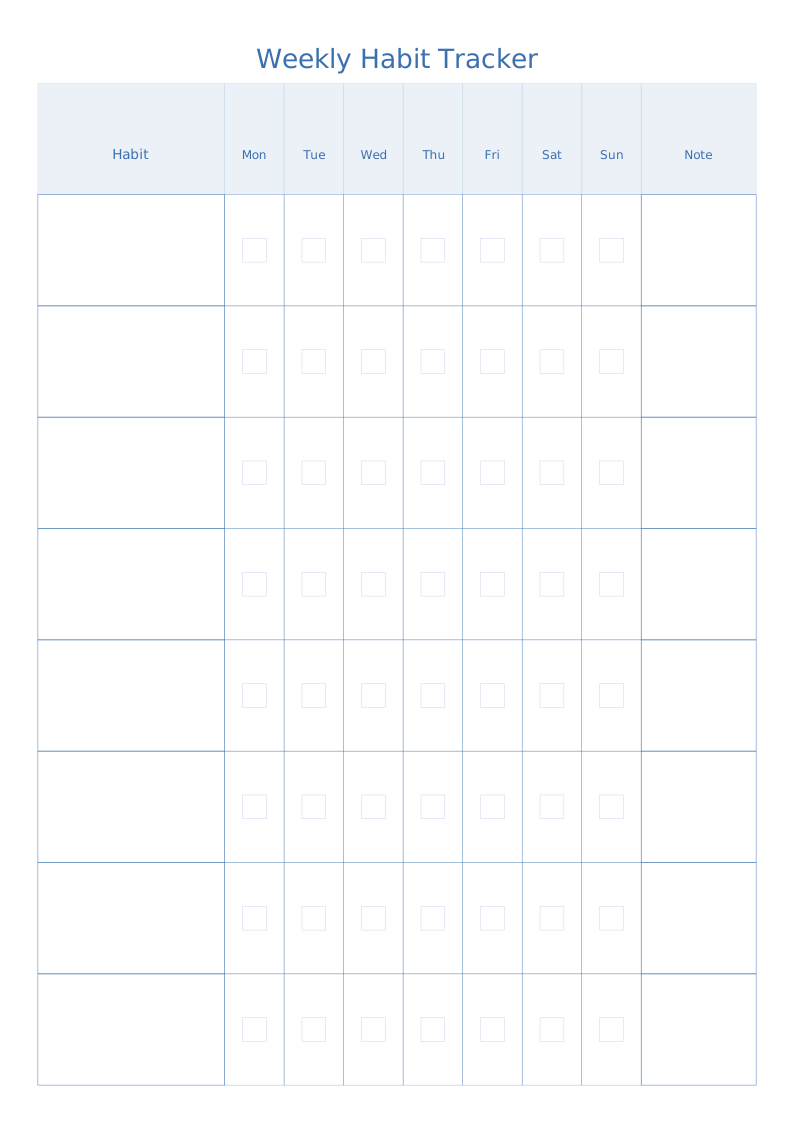
Rows for habits, columns for Monday to Sunday, a tick box in every cell and an optional note column on the right.
Read the full guide to Weekly Habit Tracker Printable: details, usage and FAQ
Typical uses
- 21-day habit challenges
- Managing a child's daily routine
- Study plans and exercise logs
FAQ
Can I change the number of habits?
Yes. "Habits" defaults to 8 and accepts 3–20, though sticking to five or fewer makes the tracker far easier to keep up.
Why are the printed dimensions wrong?
If your print dialogue has "Fit to page" enabled or scaling below 100%, the whole grid is scaled down. Set scaling to 100% / "Actual size", and tick the calibration ruler in the generator, then measure the 5 cm mark with a ruler. PDF dimensions are locked in the file, so they are the safest option.
Does anything I type or upload get sent to a server?
No. Generation, preview and export all happen inside your browser. Nothing is uploaded and no account is needed.