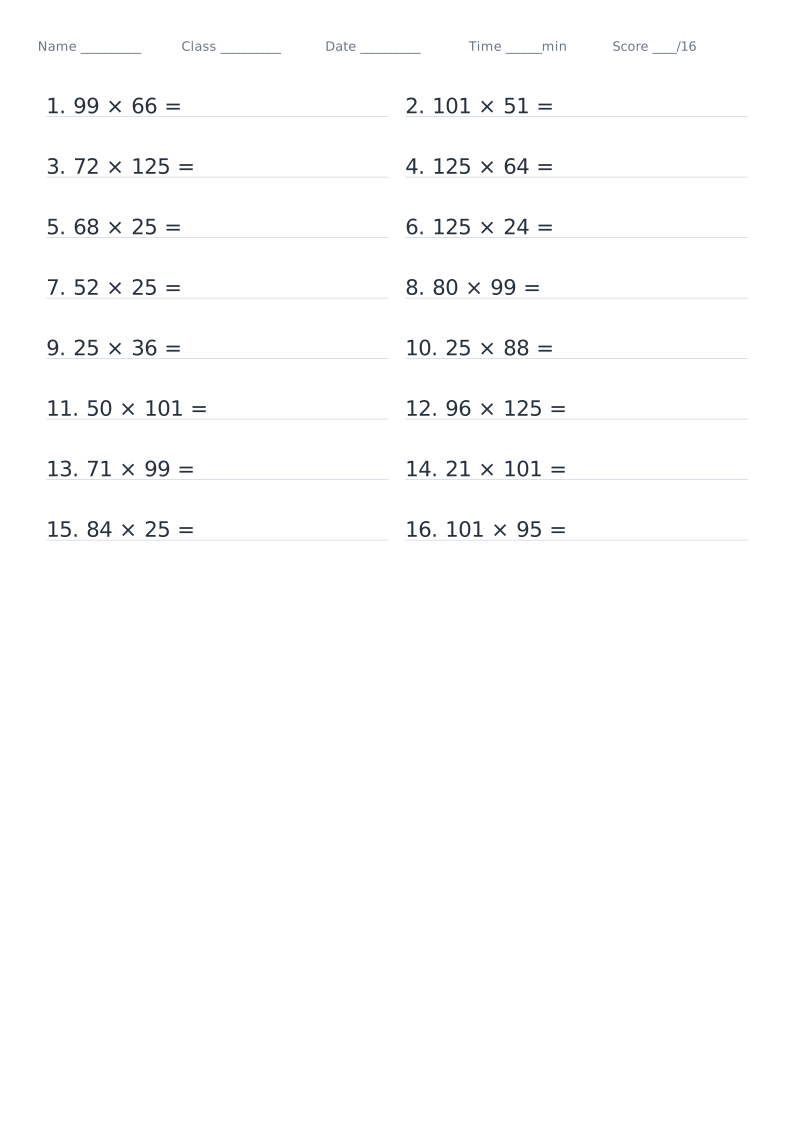
Clever Calculation Worksheet — printable template
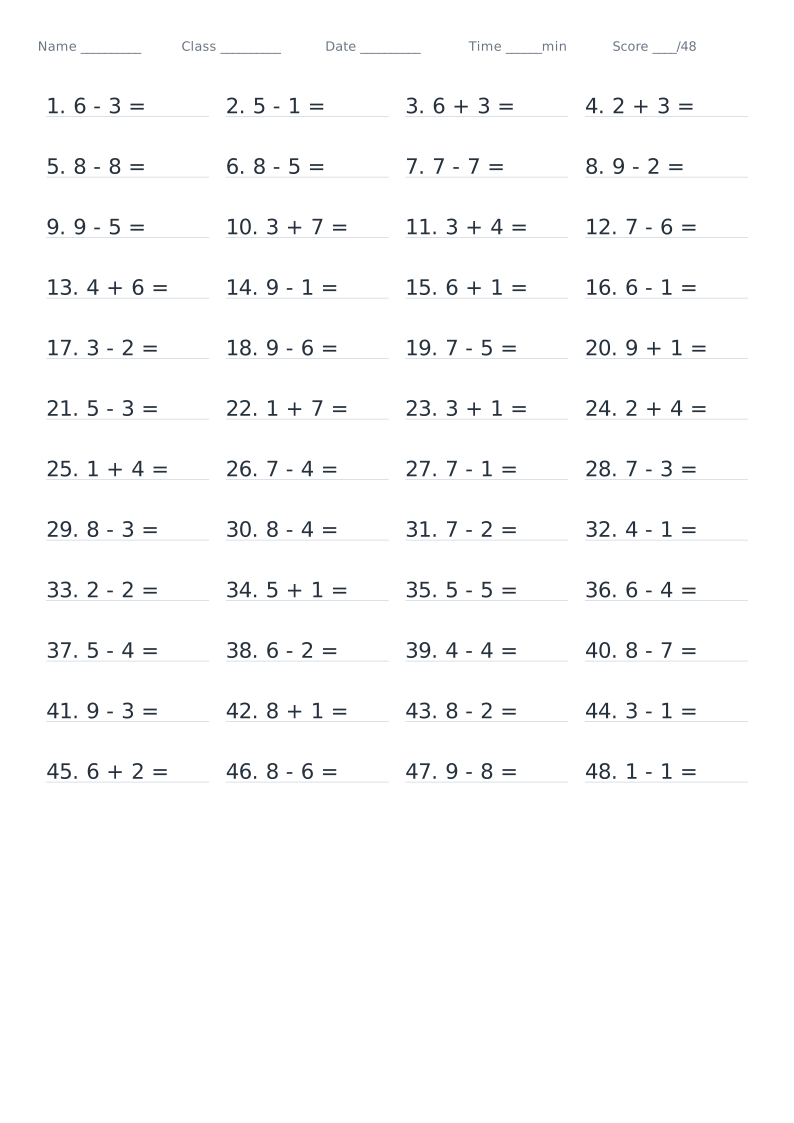
Drills for choosing the clever route: rounding (276 + 98), splitting (25 × 44 = 25 × 4 × 11), chained-operation properties (365 − 78 − 22, 720 ÷ 24 ÷ 3) and the distributive law (36 × 99 + 36, (100 − 2) × 45). Problems are printed as ordinary sums — picking the method is the exercise. The answer is the true value.
Typical uses
- Classwork for the number-laws unit
- Focused practice: rounding / splitting / properties
- End-of-term revision and working faster
- Timed drills and reworking mistakes
How to use
- 1Pick the template
Open the generator — this template is preselected
- 2Adjust settings
Set page size, margins and the template's own options
- 3Live preview
The preview refreshes instantly so you can confirm the layout
- 4Print or download
Print directly, or export PDF / PNG / SVG
Sizes and settings
| Paper | Letter (216×279) |
|---|---|
| Pages | 1 page(s) with the default Letter settings |
| 年级预设 | Grade 4 |
| Problem type | Splitting (25 × 44) |
| Rounding base | Round to hundreds |
| Digits in each number | 2 |
| Add / subtract | Addition / Subtraction |
| Problems per row | 2 |
| Row spacing | 0mm |
| Problems per page | 20 |
| Show problem numbers | On |
| Writing baseline | On |
| Problem colour | #26313d |
| Baseline colour | #c8d2dc |
| Answers | No answers |
| Answer colour | #b7c0c9 |
| Header (name / time) | On |
| Show score field | On |
| Seed | 1 |
These are the defaults for this template — every one of them can be changed in the editor.
Which export format?
Best for printing. Page dimensions are locked in millimetres and stay sharp at any zoom
For documents and web sharing. High-resolution 300 DPI bitmap
Lossless vector, editable in Illustrator or Inkscape
Fastest when you need it now — set scaling to 100%
FAQ
Do the problems say which shortcut to use?
No — the problem is an ordinary sum such as 25 × 44. Deciding which shortcut applies is exactly what is being practised; the answer given is the correct value.
Do the chained division problems always divide exactly?
Yes. The product of the divisors is fixed first (24 × 3 = 72, 25 × 4 = 100) and the dividend is built from it, so every problem divides exactly and the answer is a whole number.
Why are the printed dimensions wrong?
If your print dialogue has "Fit to page" enabled or scaling below 100%, the whole grid is scaled down. Set scaling to 100% / "Actual size", and tick the calibration ruler in the generator, then measure the 5 cm mark with a ruler. PDF dimensions are locked in the file, so they are the safest option.
Should I choose PDF, PNG or SVG?
Use PDF for printing and millimetre accuracy, PNG for documents and web sharing, and SVG for vector editing. Templates with Chinese tracing characters are exported as high-resolution raster PDFs so the glyphs stay intact; for vector-quality tracing, use "Print → Save as PDF".
Can I change the page size, colours and line weight?
Yes. The common settings cover page size (A4 / A5 / B5 / 16K / Letter / custom), orientation, margins, binding margin, background colour, page numbers, watermark and logo. Clever Calculation Worksheet also has its own options in the "Template settings" panel.
Does anything I type or upload get sent to a server?
No. Generation, preview and export all happen inside your browser. Nothing is uploaded and no account is needed.
Related templates