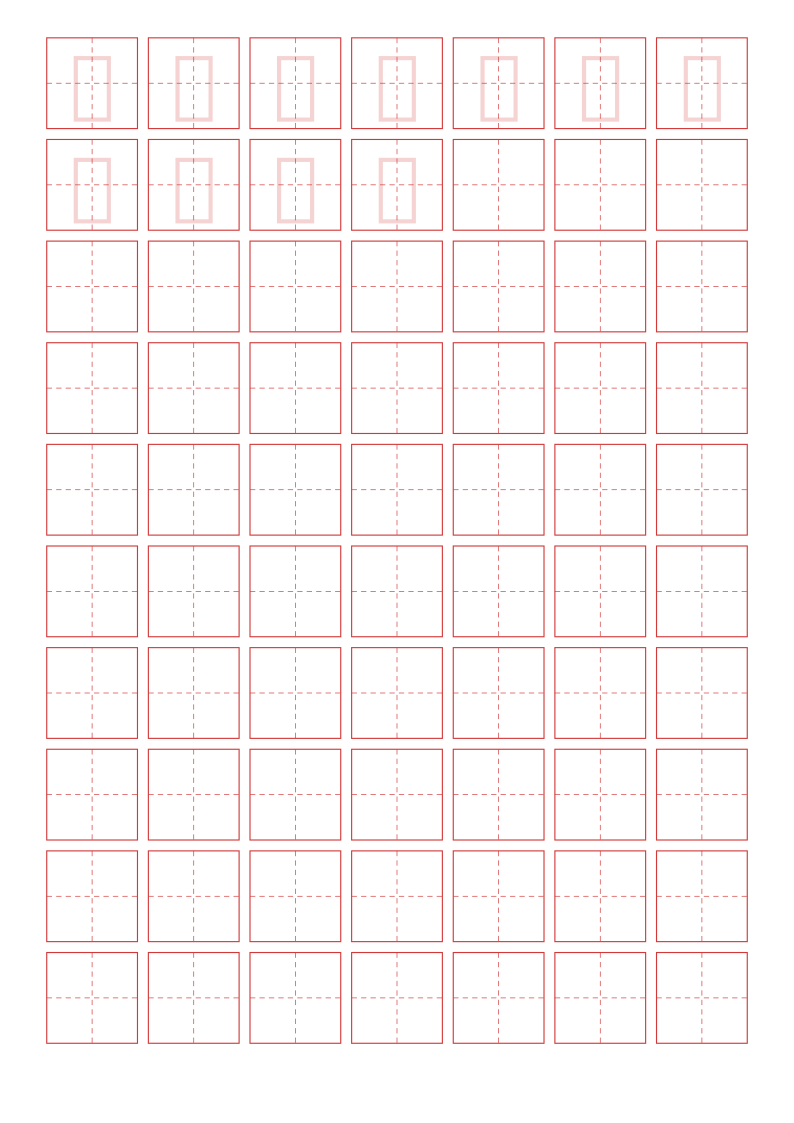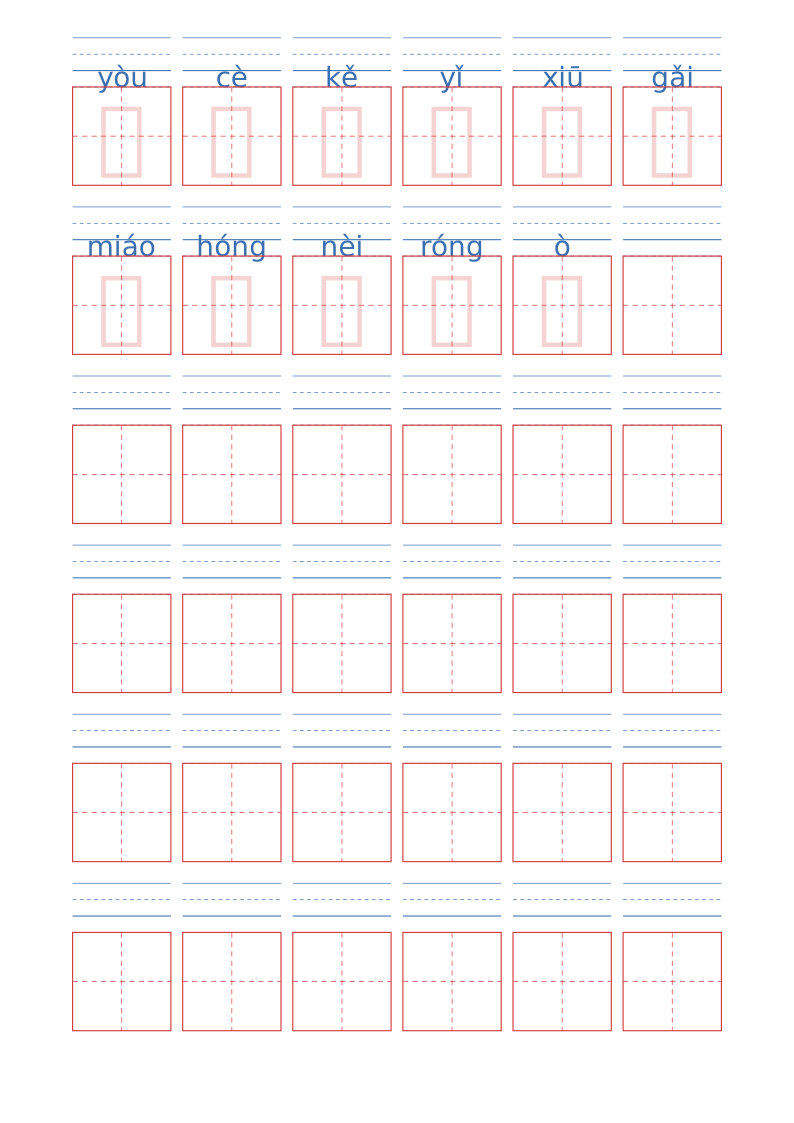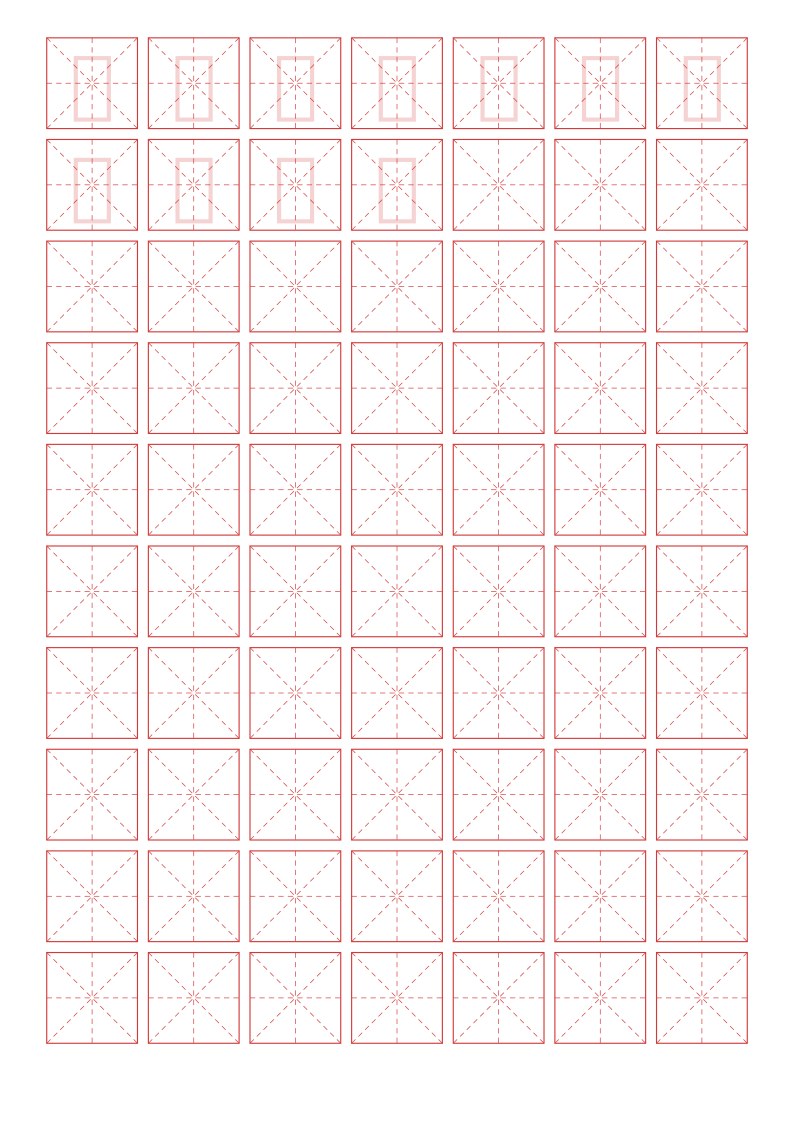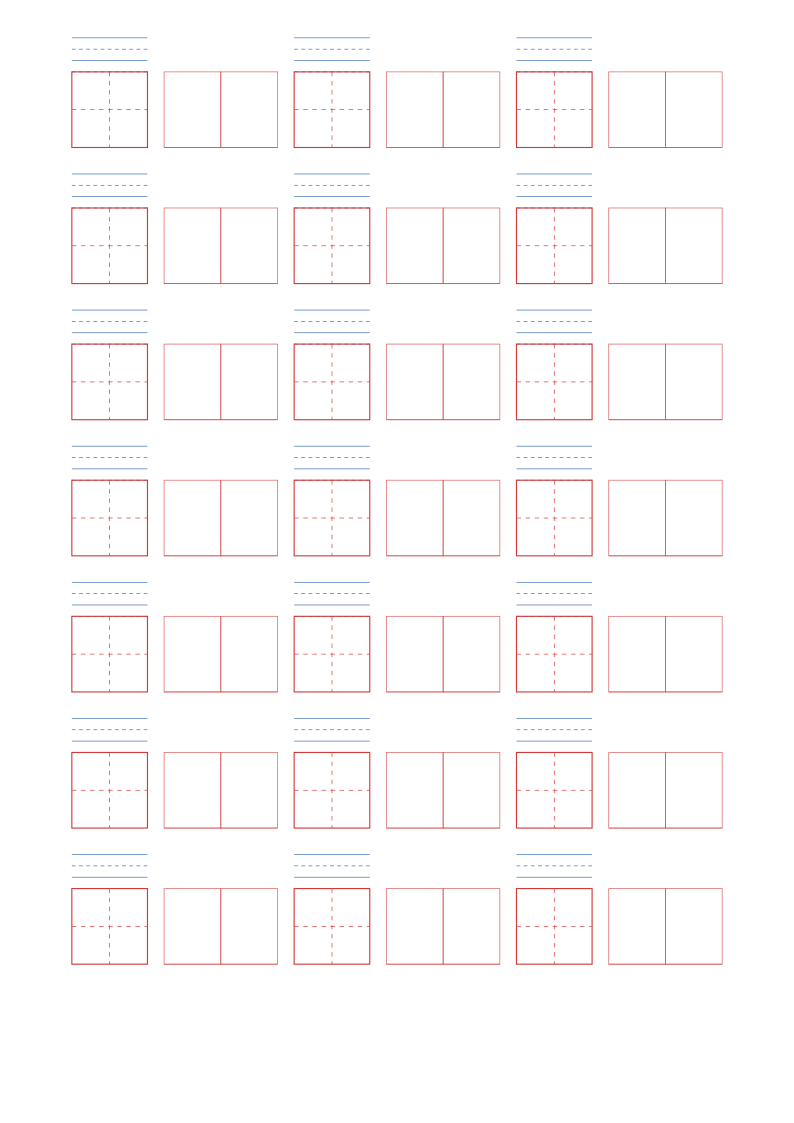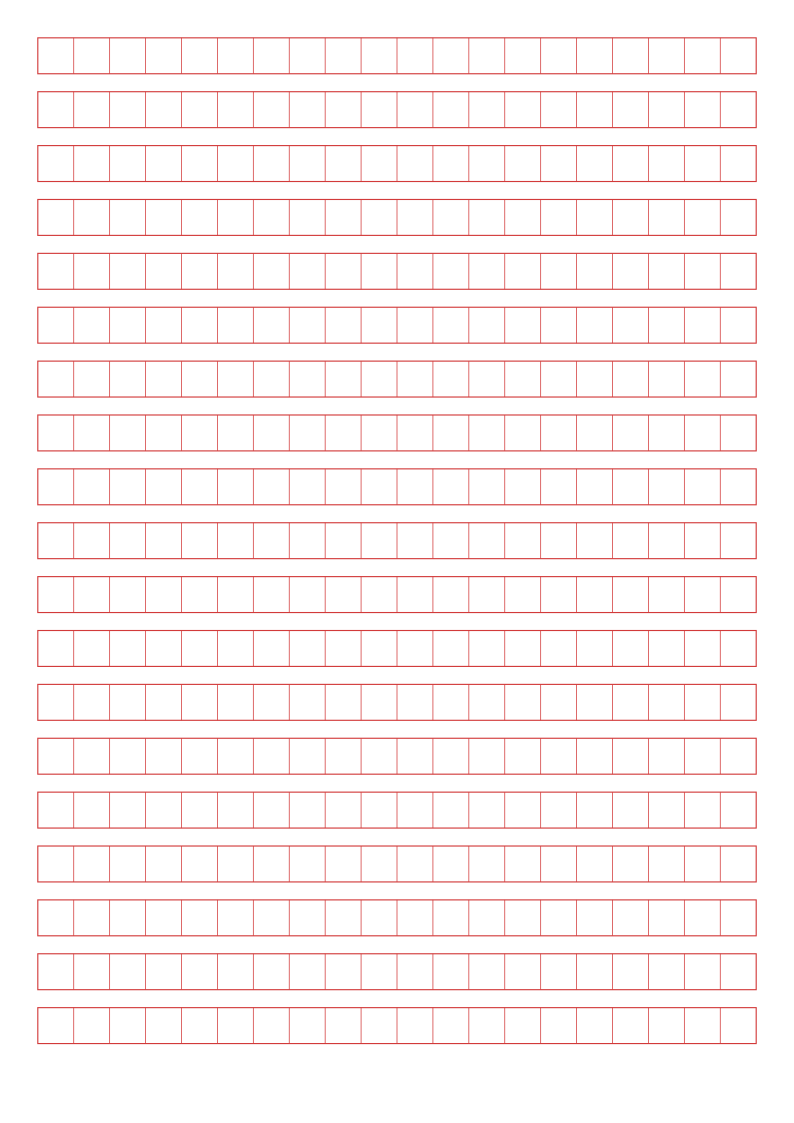
Composition Paper
Gridded essay paper with 20 characters per row. Choose 200, 300, 400, 600 or 800 characters — anything that does not fit on one page continues automatically onto the next.
Typical uses
- Classroom essays and exam practice
- Standard sheets for writing competitions
- Daily writing practice and journaling
How to use
- 1Pick the template
Open the generator — this template is preselected
- 2Adjust settings
Set page size, margins and the template's own options
- 3Live preview
The preview refreshes instantly so you can confirm the layout
- 4Print or download
Print directly, or export PDF / PNG / SVG
Which export format?
Best for printing. Page dimensions are locked in millimetres and stay sharp at any zoom
For documents and web sharing. High-resolution 300 DPI bitmap
Lossless vector, editable in Illustrator or Inkscape
Fastest when you need it now — set scaling to 100%
FAQ
Which character count should I choose?
Follow the teacher's requirement or the school stage: 200–300 for lower primary, 400–600 for upper primary, 600–800 for secondary. The setting only changes the total number of cells, not their size.
Does it paginate automatically?
Yes. Total rows are calculated as characters ÷ 20 per row, and anything that overflows flows onto further pages. Printing or exporting a PDF gives you the complete multi-page document.
Why are the printed dimensions wrong?
If your print dialogue has "Fit to page" enabled or scaling below 100%, the whole grid is scaled down. Set scaling to 100% / "Actual size", and tick the calibration ruler in the generator, then measure the 5 cm mark with a ruler. PDF dimensions are locked in the file, so they are the safest option.
Should I choose PDF, PNG or SVG?
Use PDF for printing and millimetre accuracy, PNG for documents and web sharing, and SVG for vector editing. Templates with Chinese tracing characters are exported as high-resolution raster PDFs so the glyphs stay intact; for vector-quality tracing, use "Print → Save as PDF".
Can I change the page size, colours and line weight?
Yes. The common settings cover page size (A4 / A5 / B5 / 16K / Letter / custom), orientation, margins, binding margin, background colour, page numbers, watermark and logo. Composition Paper also has its own options in the "Template settings" panel.
Does anything I type or upload get sent to a server?
No. Generation, preview and export all happen inside your browser. Nothing is uploaded and no account is needed.
Related templates