Teacher's desk pack
Attendance, seating, name tents, timetable, calendar — five forms, reprinted and re-edited every term. Kept together, you tune the settings once and reuse them.
What's in the pack
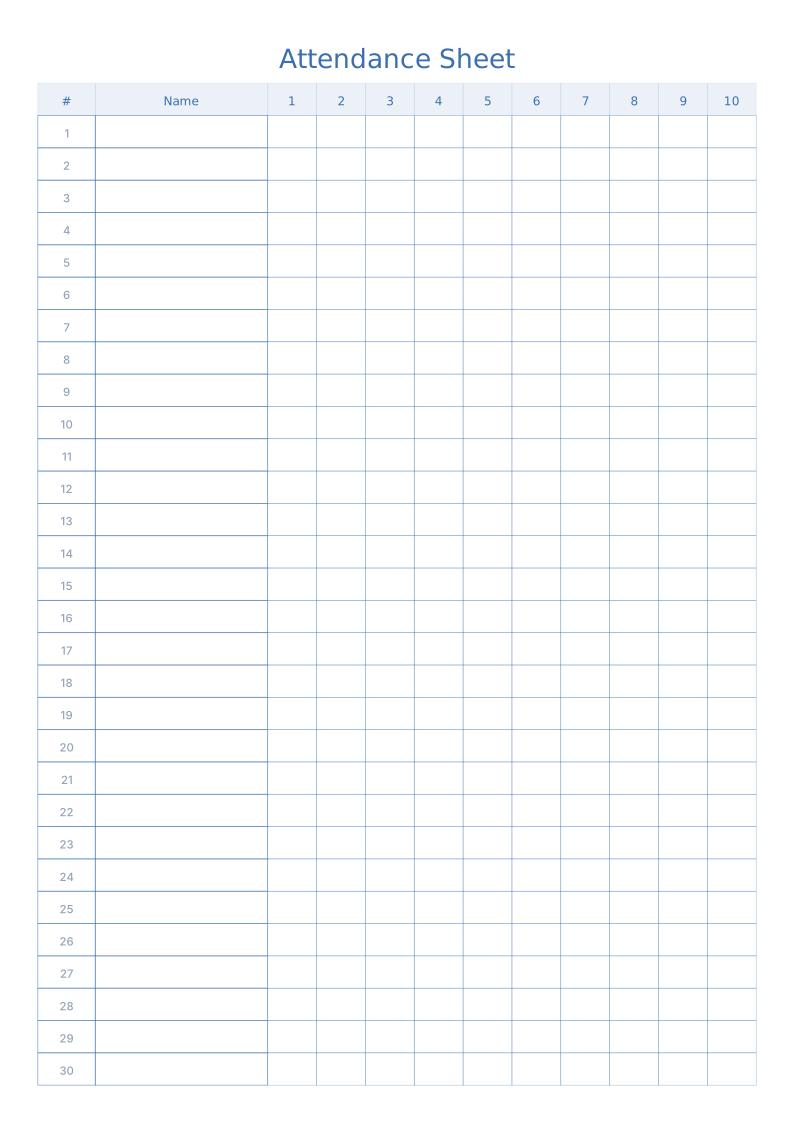
Attendance Sheet Printable
Number, name and daily check boxes for class registers
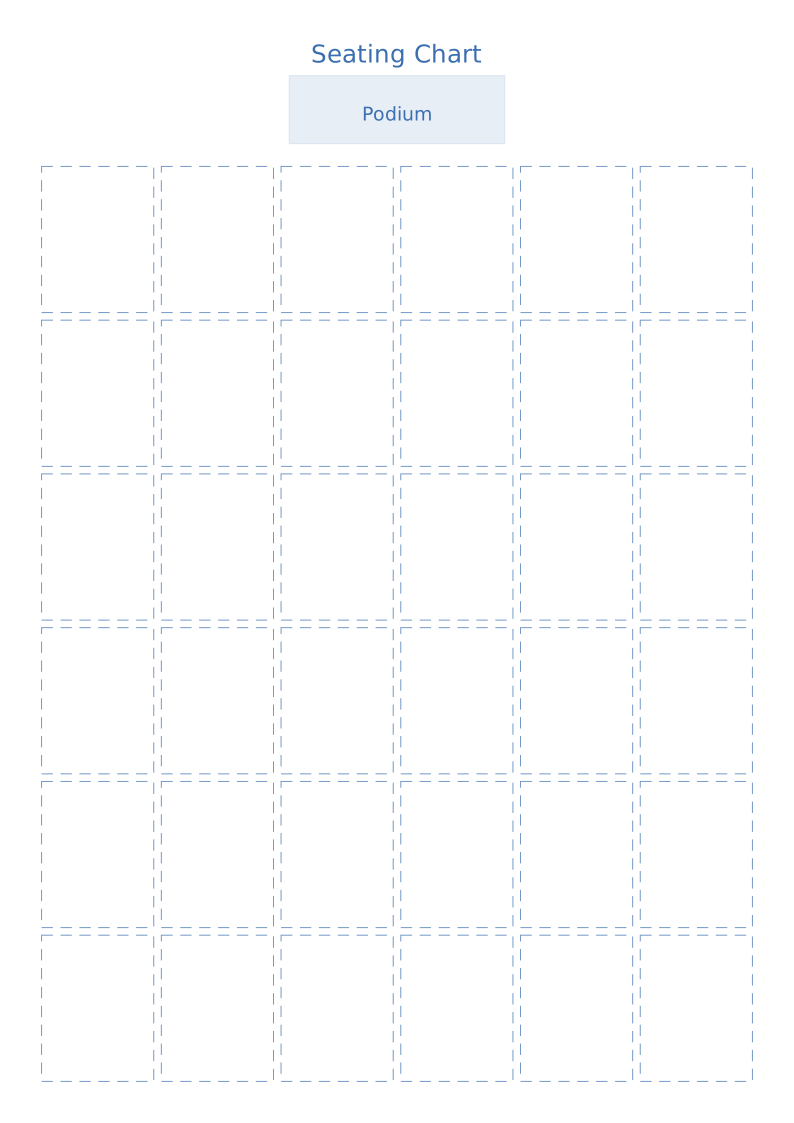
Classroom Seating Chart Printable
Desk grid with teacher's desk and walking aisles marked
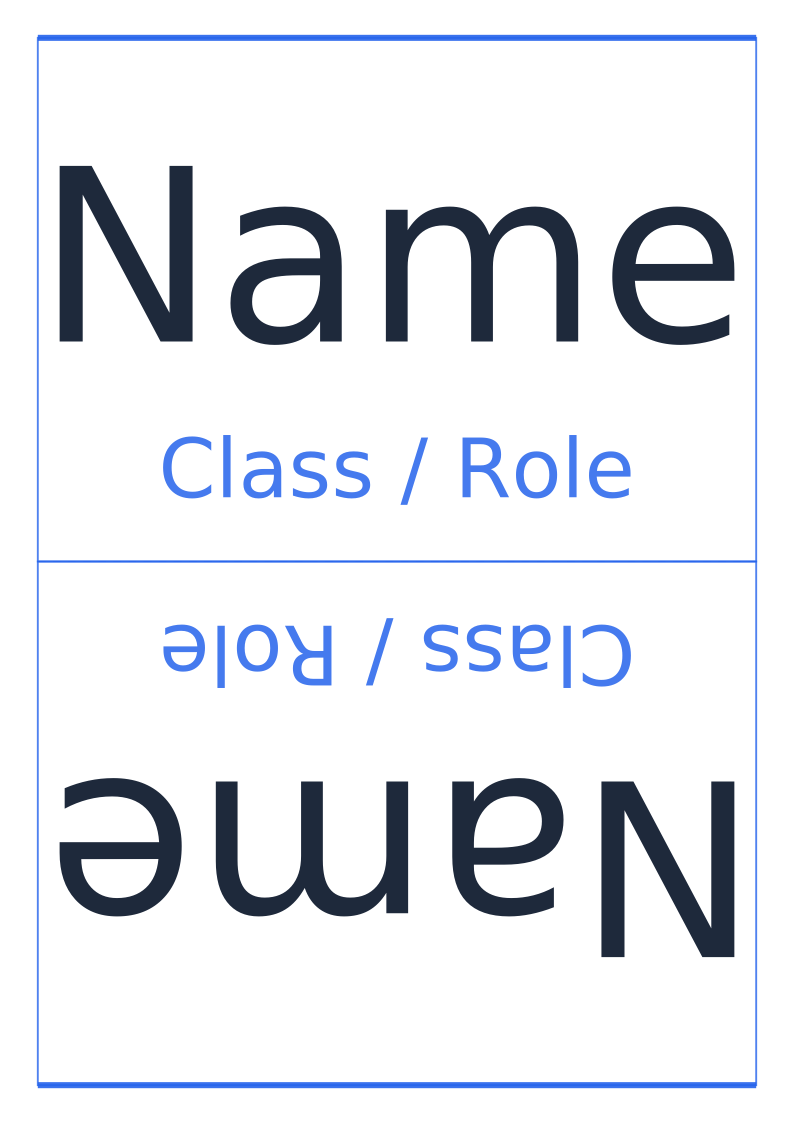
Printable Name Tent & Desk Plates
Folded desk name cards readable from both sides
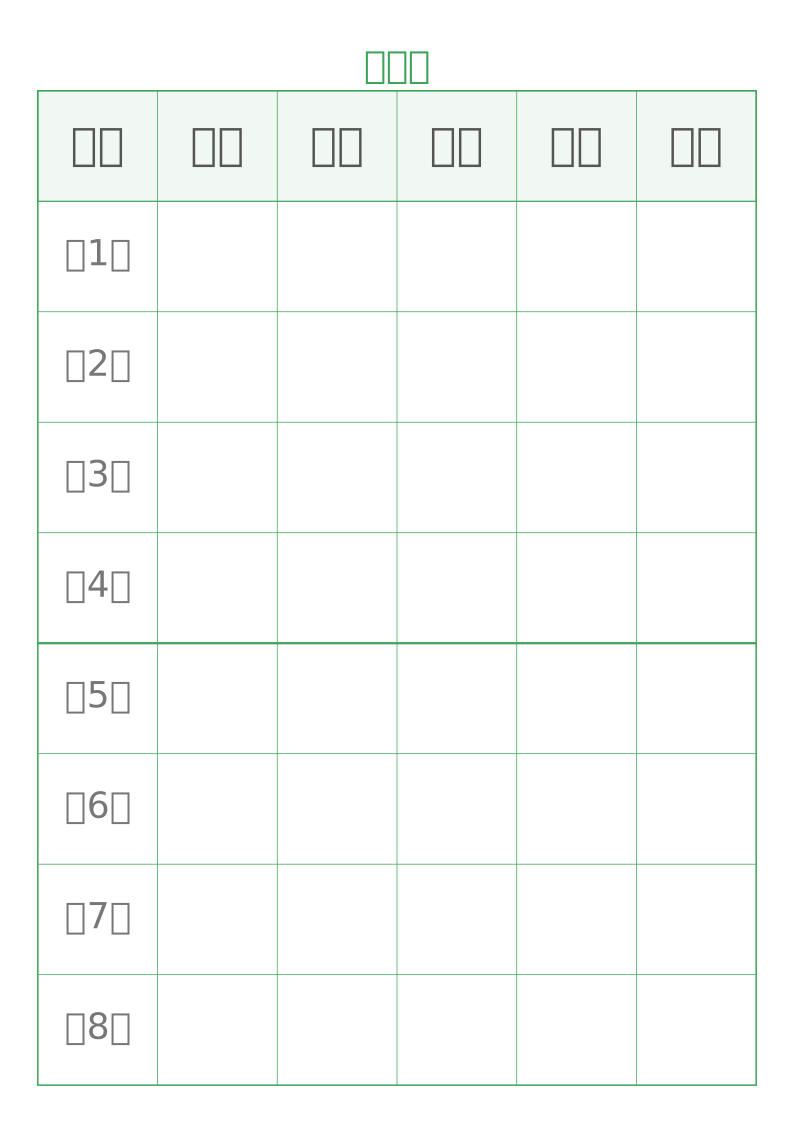
Weekly Class Schedule Printable
A weekly timetable with periods you can rename to fit your day
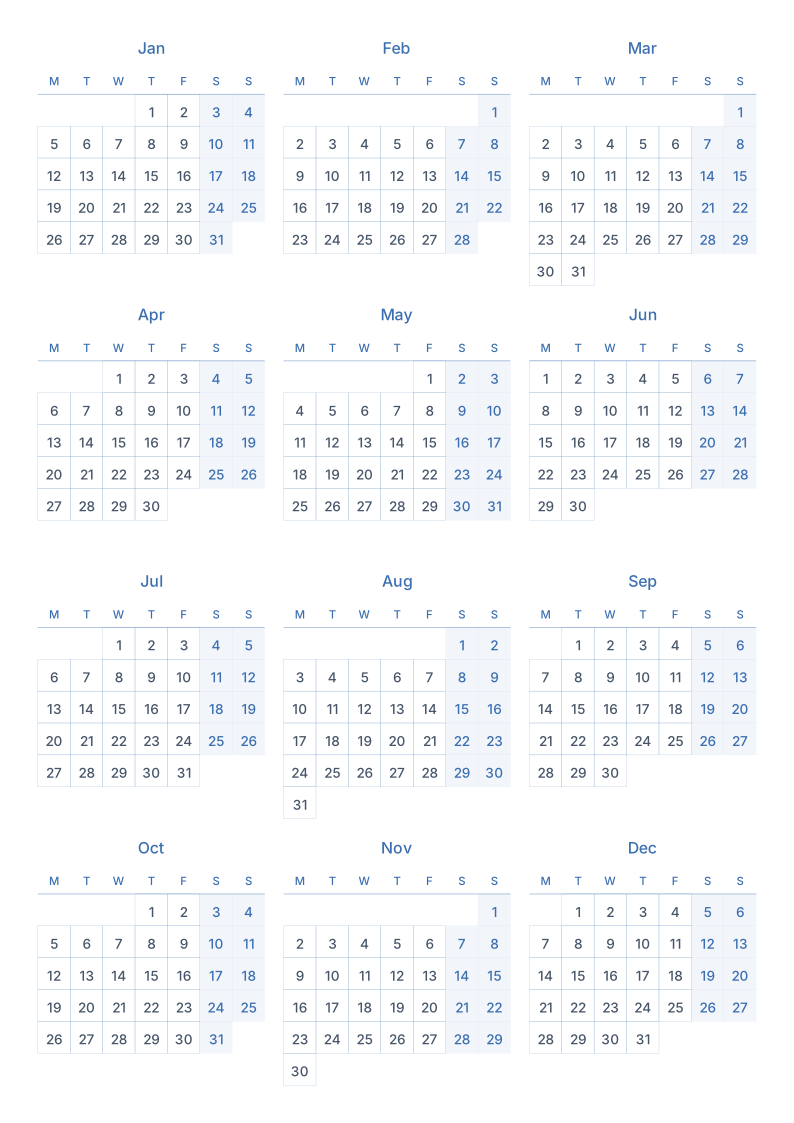
Printable Calendar Templates
Twelve months on one sheet, or a full page per month
Suggested order
- 1
Set the attendance sheet row count to your class size so it fits on one page.
- 2
Lay out the seating chart: fix the teacher's desk and aisles first, then the seats.
- 3
Print name tents folded, then generate the timetable and calendar for the term dates.
Common questions
Can I print name tents for a whole class at once?
Yes — several per page, rows and columns set by class size, readable from both sides once folded.
Can the seating chart show the teacher's desk and aisles?
Yes, both are switches in the template settings, and aisle width is adjustable.
Can I change the number of periods?
Yes. Period count, period length and break placement are all adjustable, and you can type the subjects in before printing.