Chinese Writing Practice Paper
Everything runs in your browser — nothing is uploaded
Common settings
Shared by all templates
Template settings
Chinese Writing Practice Paper
All templates
View all →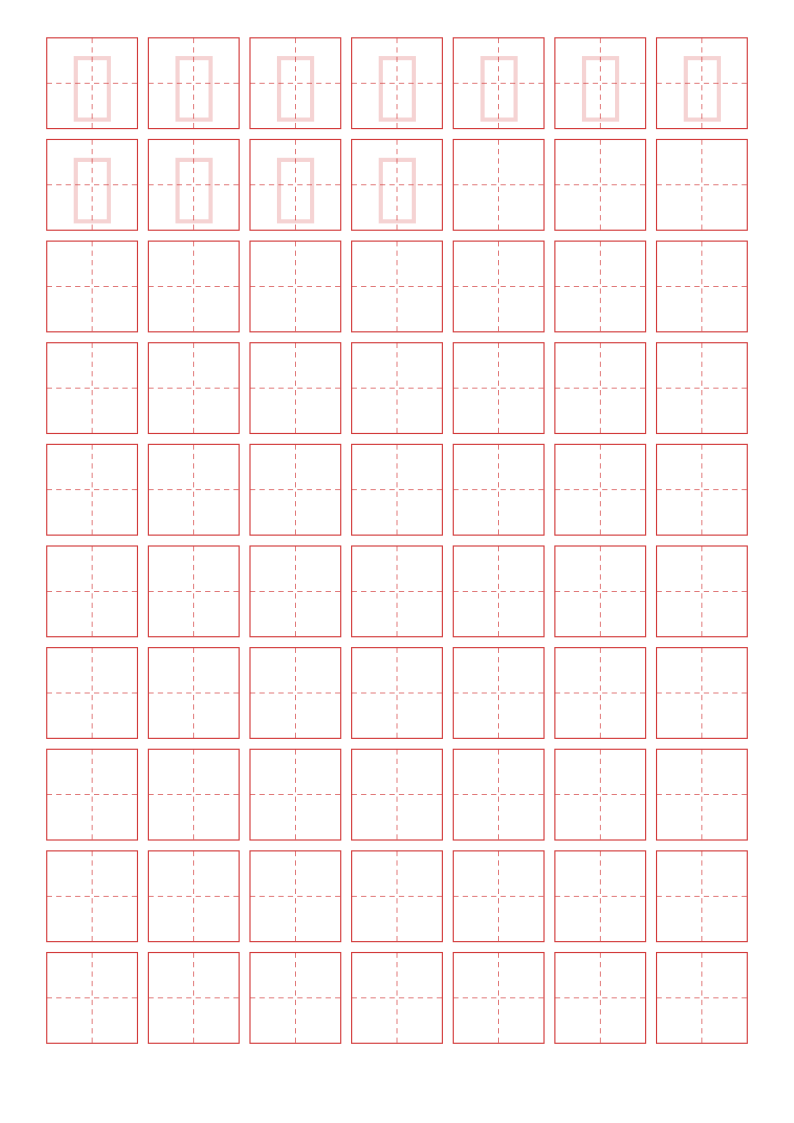 Chinese Writing Practice PaperThe four-part tianzige grid that keeps characters square and centredCurrent
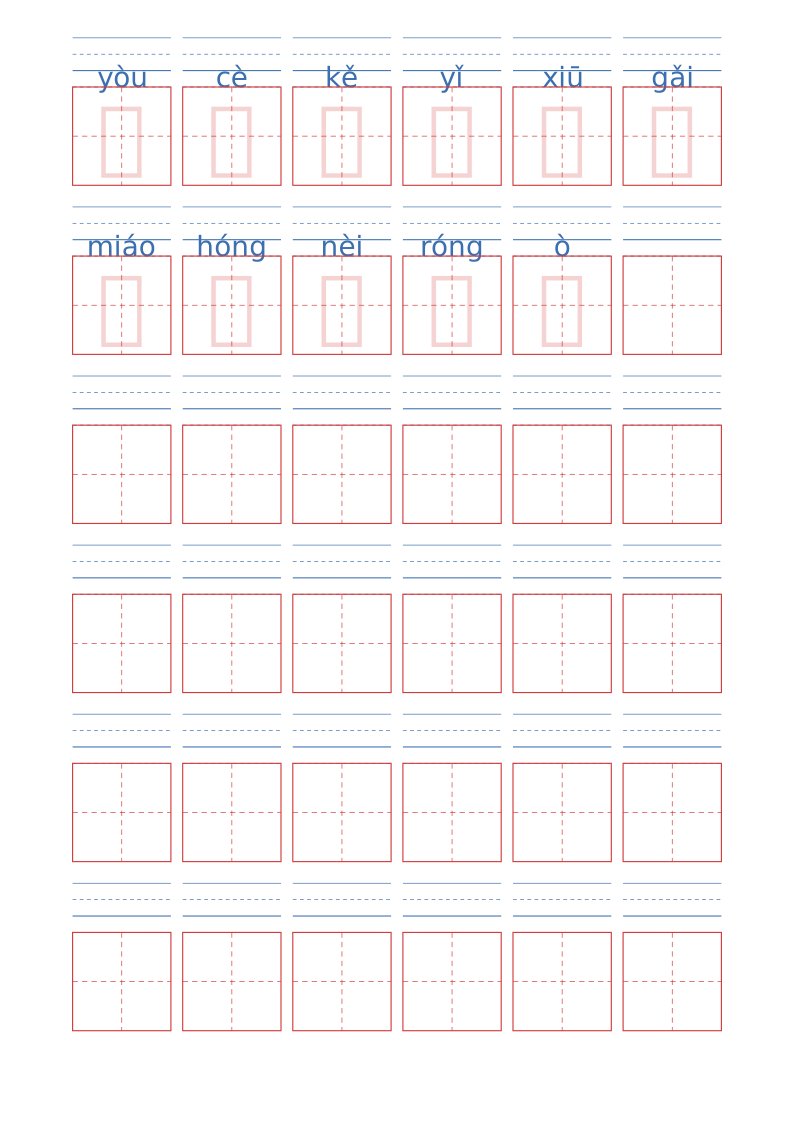 Chinese Pinyin Writing PaperTone-marked Pinyin above each character box, aligned automatically
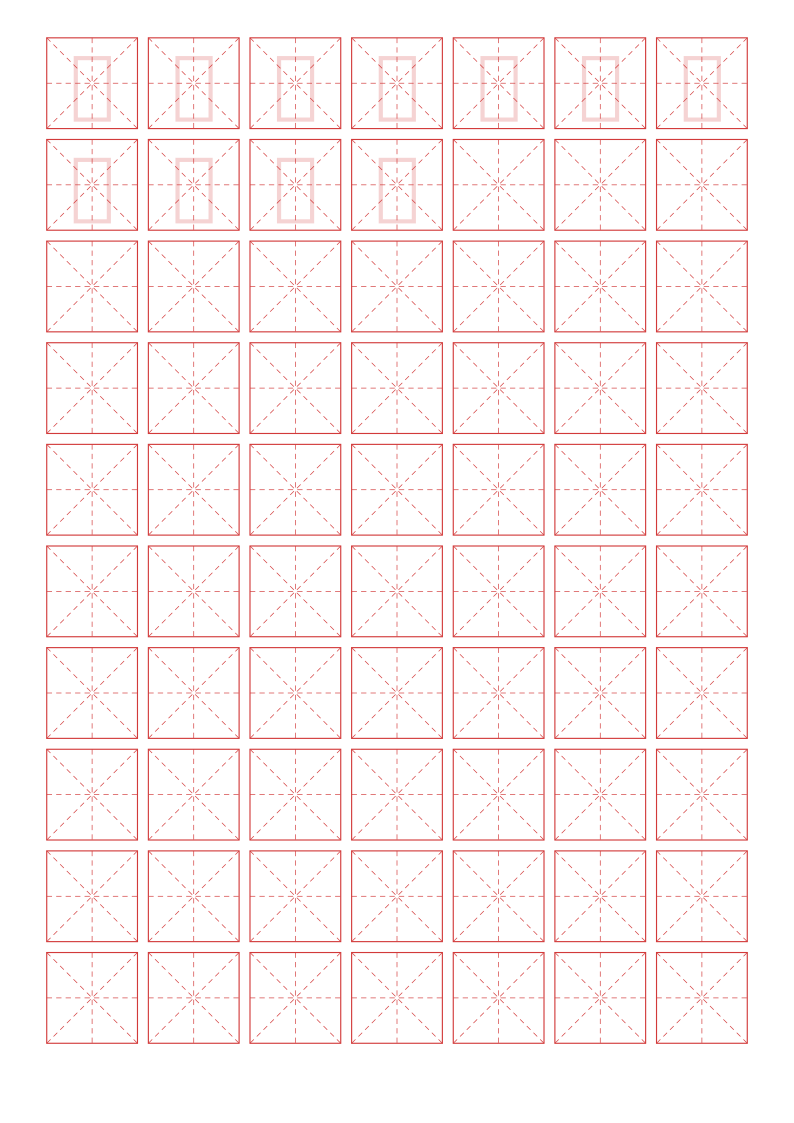 Chinese Calligraphy Grid PaperMi-Zi-Ge diagonals, nine-palace and other classic Chinese guides
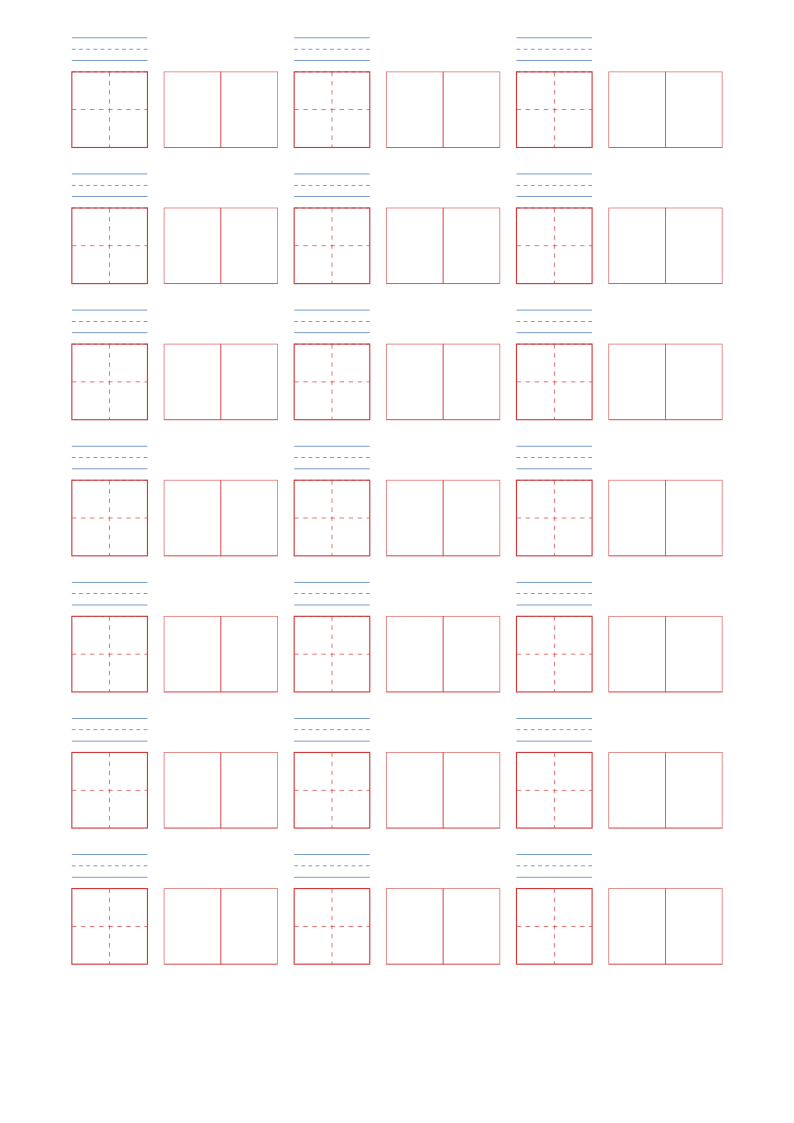 Chinese Character Study WorksheetPractice grid plus Pinyin and word-building columns
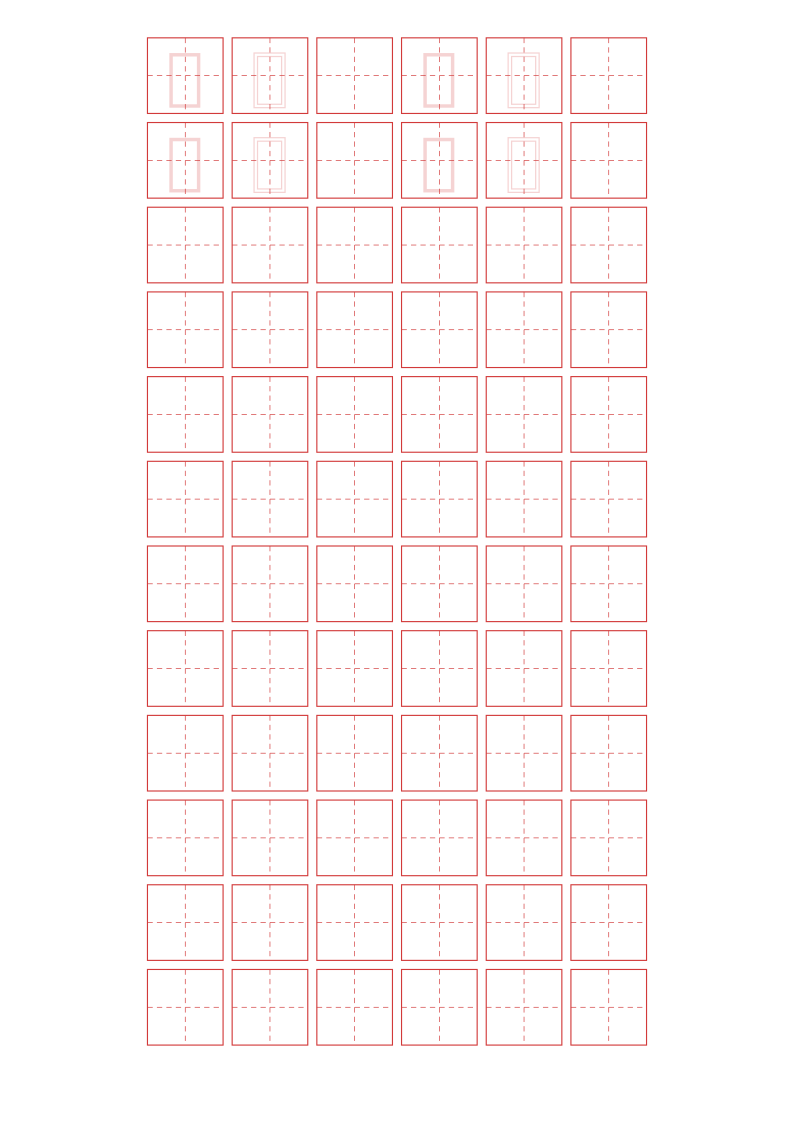 Chinese Stroke Order Writing SheetsTrace, then outline, then write from memory — three fading levels
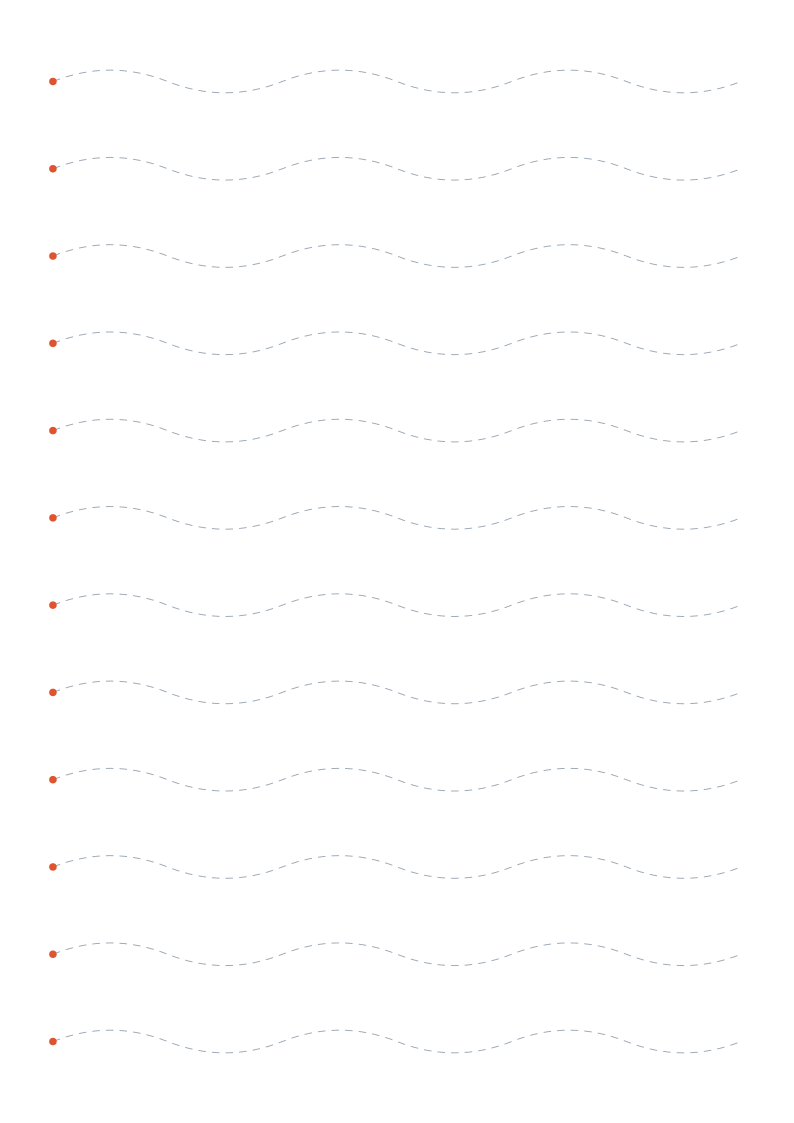 Pre-Writing Tracing SheetsLines, curves, zigzags, waves, spirals and loops to build pencil control
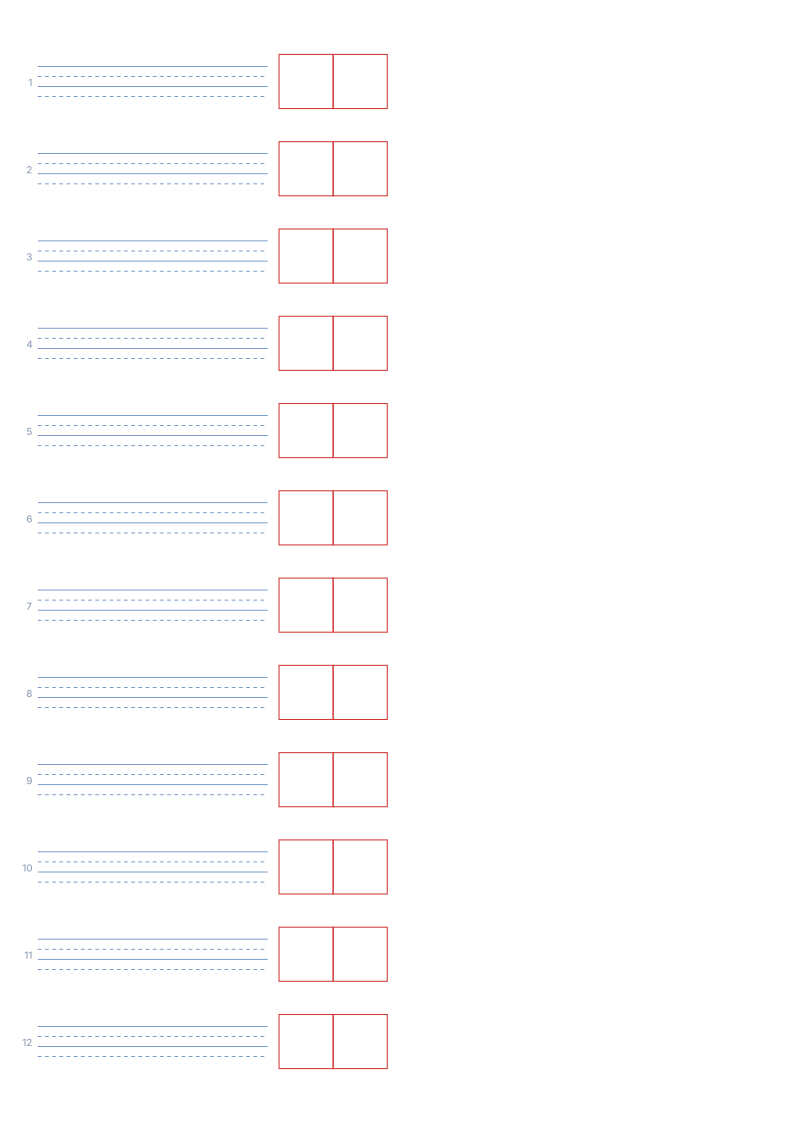 Chinese Pinyin Dictation WorksheetRead the Pinyin on the left, write the word in the cells on the right
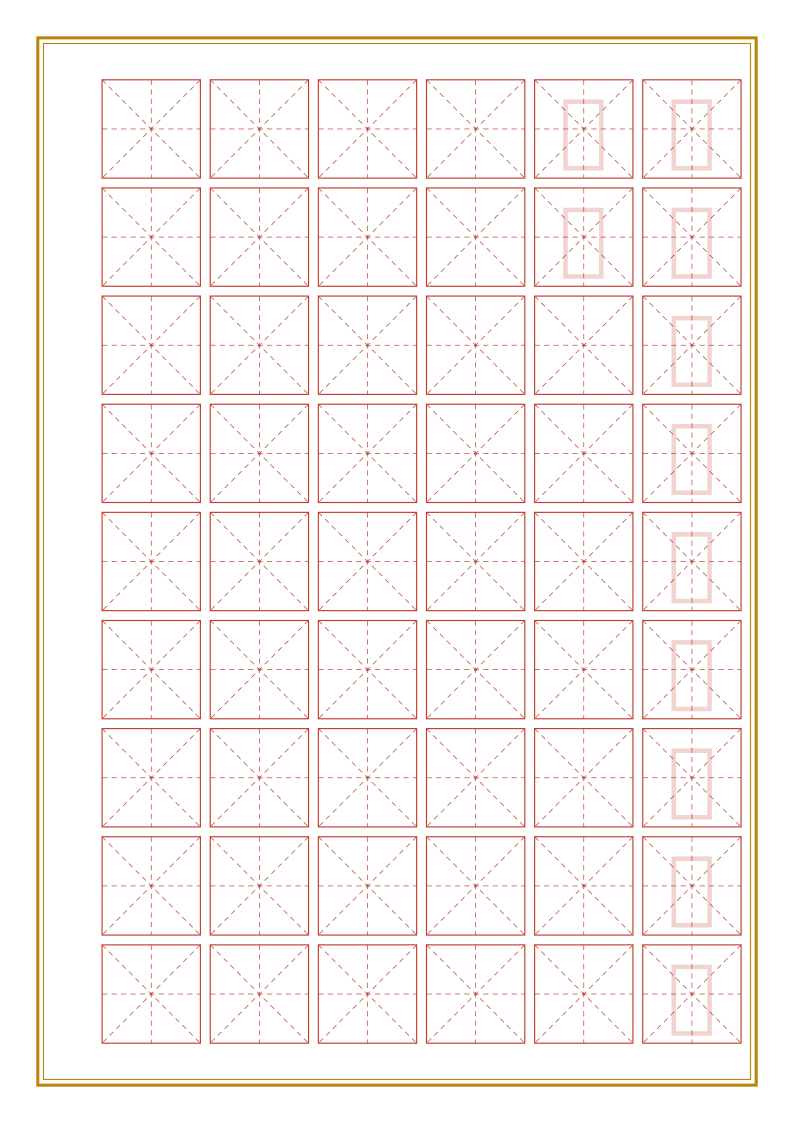 Chinese Calligraphy Practice PaperColumn layout for pen calligraphy pieces and poem transcriptions
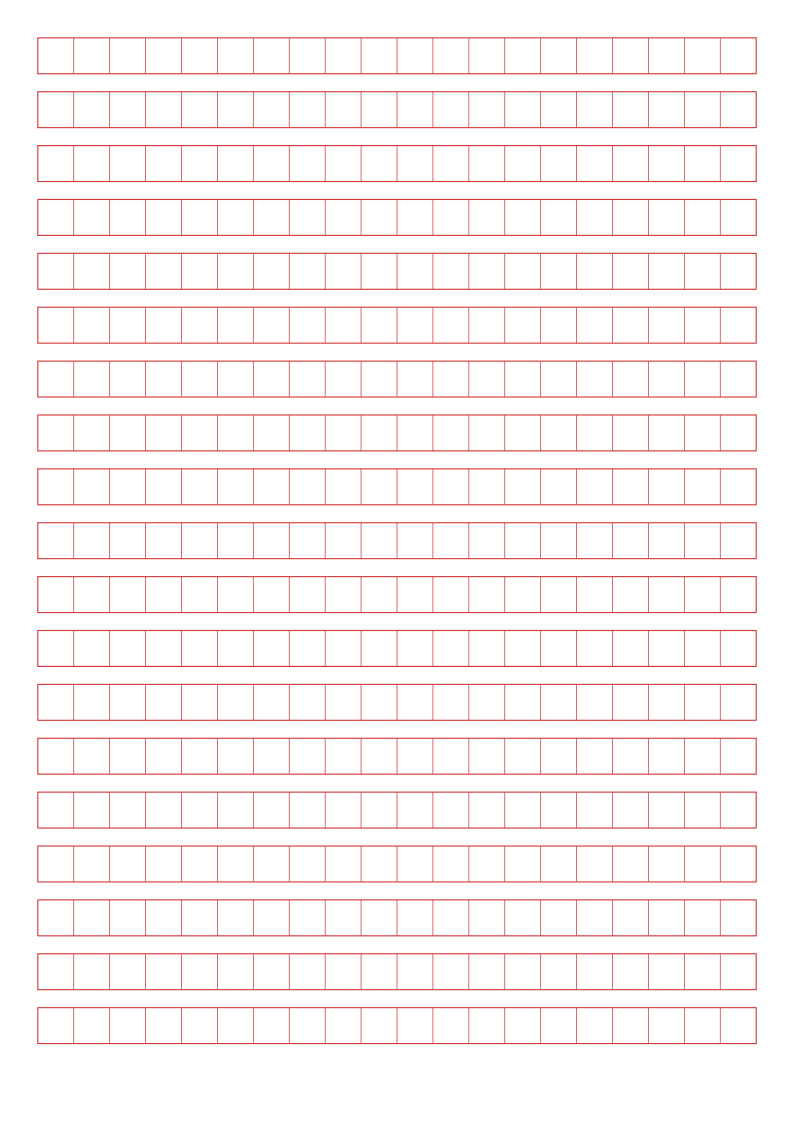 Chinese Essay Writing PaperGridded composition sheets for 200–800 characters
About Chinese Writing Practice Paper
Tianzige is the classic practice grid for learning Chinese characters. Dashed cross guides split each cell into four, showing where every stroke should start and end.
Read the full guide to Chinese Writing Practice Paper: details, usage and FAQ
Typical uses
- Primary-school character copying and dictation
- Beginner pen-calligraphy structure drills
- Home-printed copybooks and tracing sheets
FAQ
Can I add tracing characters?
Yes. Type the characters you want to practise into "Tracing text", then choose solid or outline style and one of three opacities. You can lay them out filling the page in order, or one per row. Tracing is rendered in a Kai (calligraphic) font, and prints and exports correctly.
Why are the printed dimensions wrong?
If your print dialogue has "Fit to page" enabled or scaling below 100%, the whole grid is scaled down. Set scaling to 100% / "Actual size", and tick the calibration ruler in the generator, then measure the 5 cm mark with a ruler. PDF dimensions are locked in the file, so they are the safest option.
Does anything I type or upload get sent to a server?
No. Generation, preview and export all happen inside your browser. Nothing is uploaded and no account is needed.
Related templates