Guided Handwriting Paper
Everything runs in your browser — nothing is uploaded
Common settings
Shared by all templates
Template settings
Guided Handwriting Paper
All templates
View all →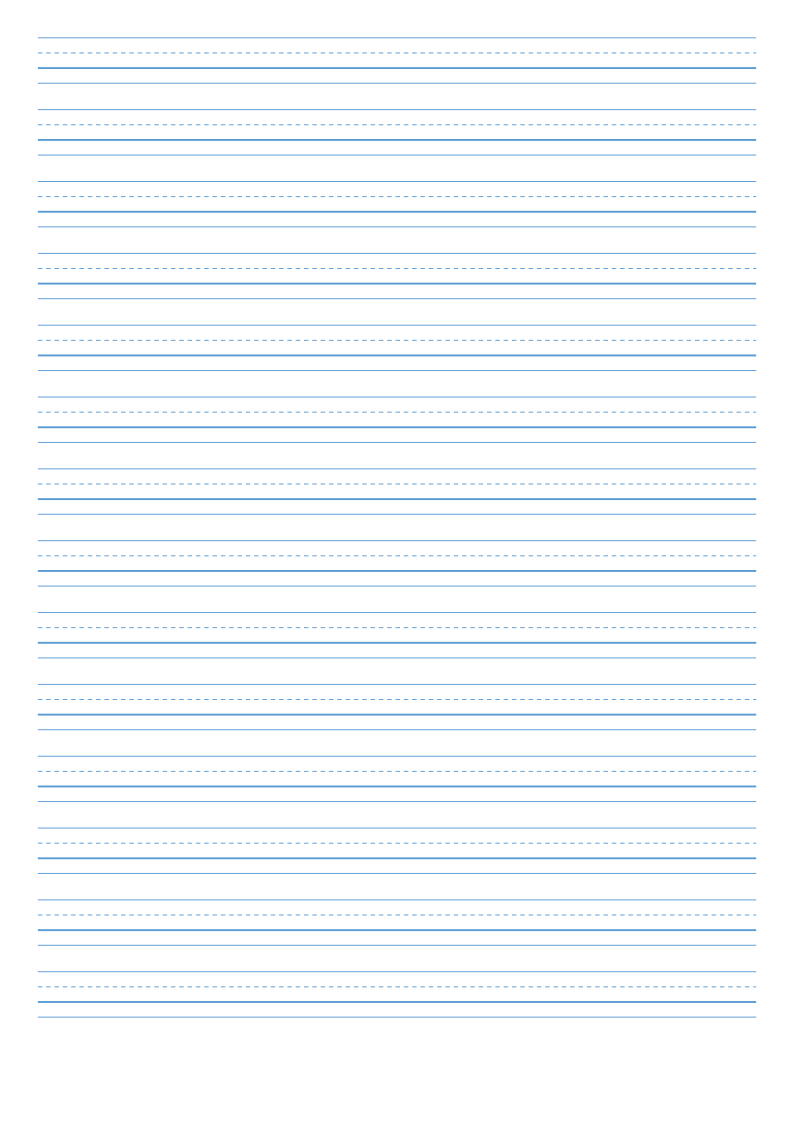 Primary Handwriting PaperThree-space writing lines with dotted midline for young learners
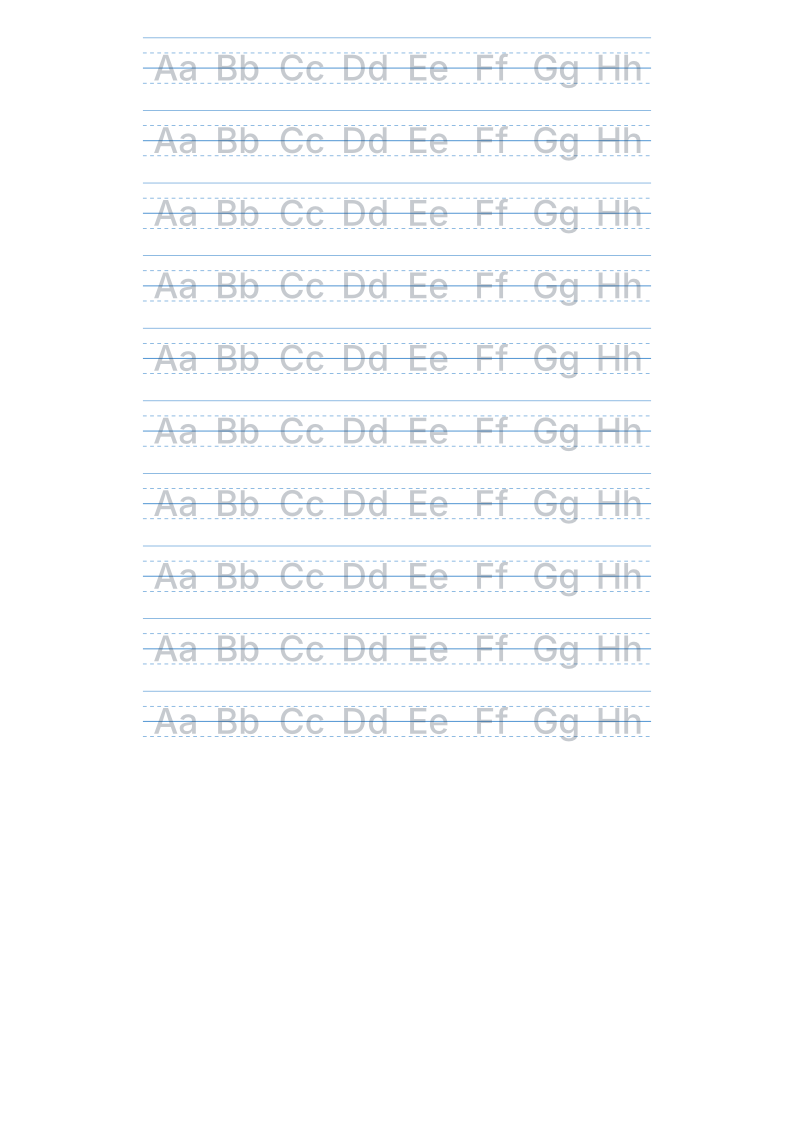 Alphabet Handwriting Practice SheetsGuided lines with letter samples, tracing or blank rows
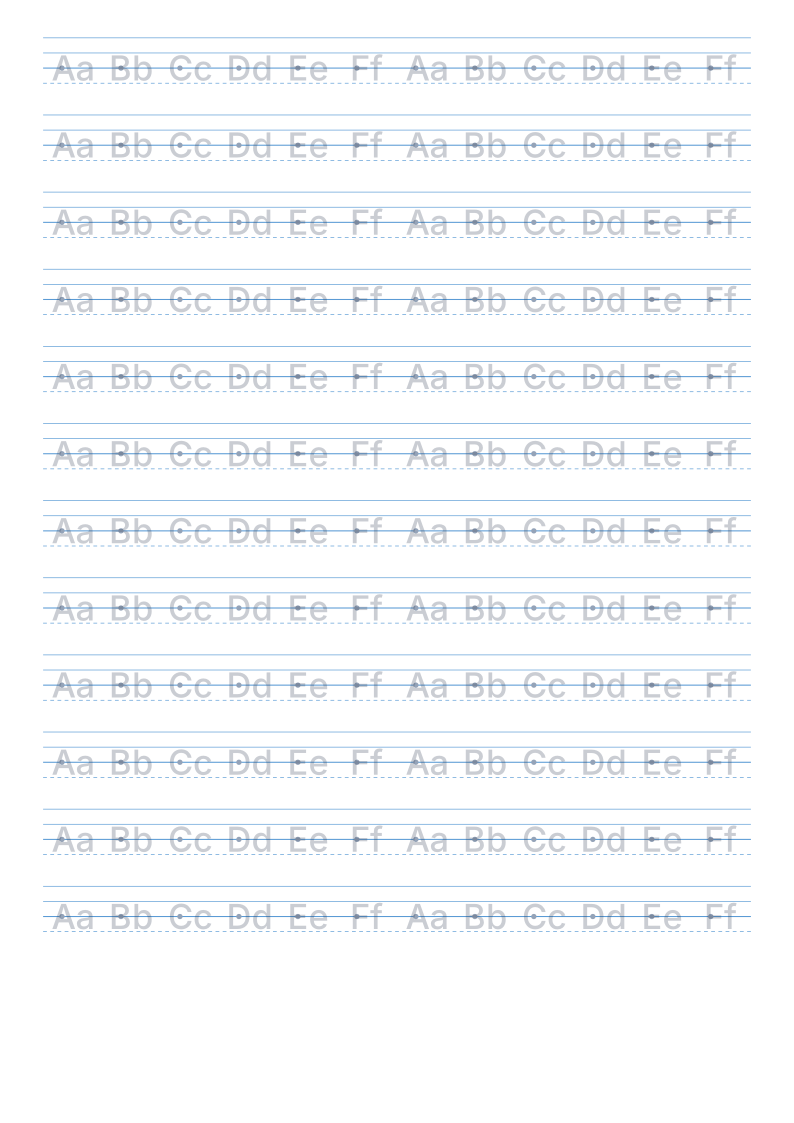 Guided Handwriting PaperStart dots, tracing option and steady lines for early writersCurrent
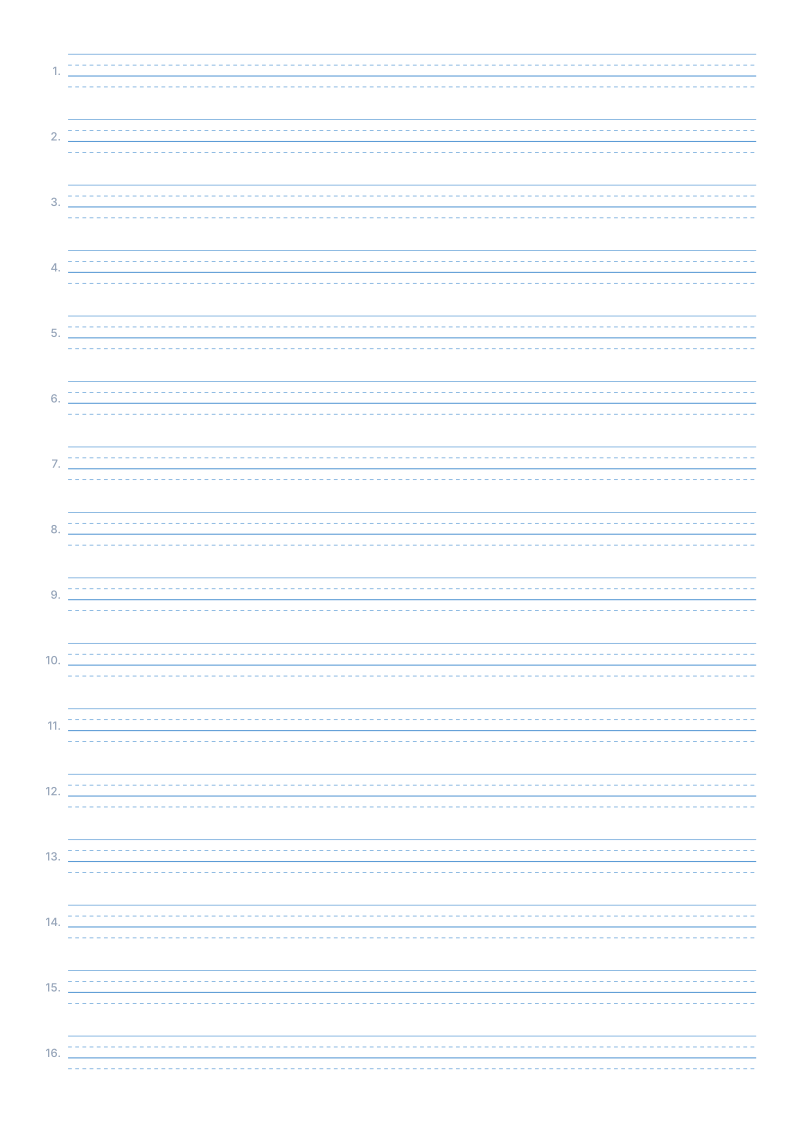 Spelling Test PaperNumbered dictation lines in two-column or handwriting-line layouts
 Vocabulary & Spelling Practice PaperTimed word drills and Chinese–English translation practice
About Guided Handwriting Paper
A four-line grid plus start dots that show where each stroke begins, with optional light tracing.
Read the full guide to Guided Handwriting Paper: details, usage and FAQ
Typical uses
- Learning where to start each stroke
- Practising correct letter placement
- Early years English handwriting
FAQ
What are the start dots for?
They mark where each stroke begins, so children do not have to decide where to put the pencil down. It builds correct stroke order and letter placement habits, and is common in handwriting programmes.
Why are the printed dimensions wrong?
If your print dialogue has "Fit to page" enabled or scaling below 100%, the whole grid is scaled down. Set scaling to 100% / "Actual size", and tick the calibration ruler in the generator, then measure the 5 cm mark with a ruler. PDF dimensions are locked in the file, so they are the safest option.
Does anything I type or upload get sent to a server?
No. Generation, preview and export all happen inside your browser. Nothing is uploaded and no account is needed.
Related templates